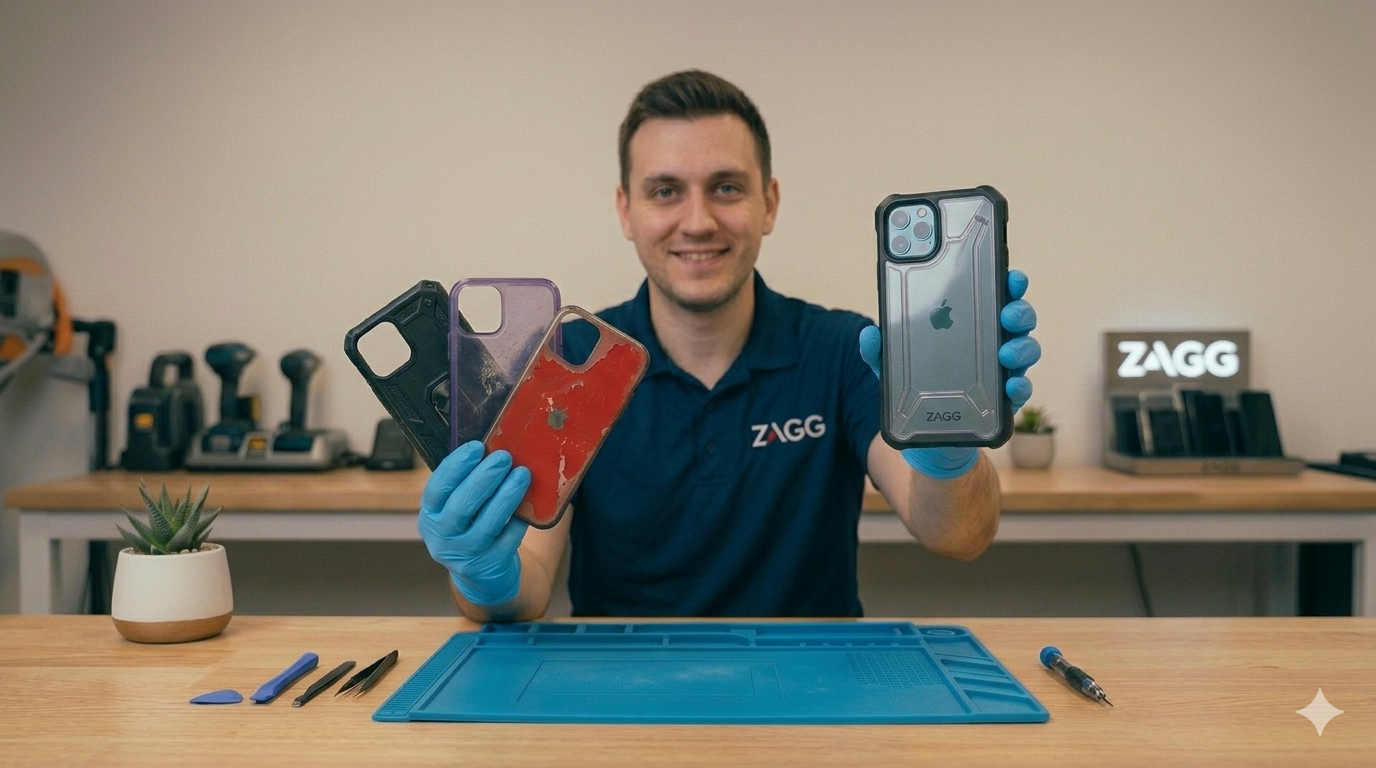
Smartphones are powerful devices, but sometimes they can become uncomfortably hot during normal use.
If your phone frequently overheats, you may notice:
• the device feels hot in your hand
• the screen dims automatically
• apps slow down or crash
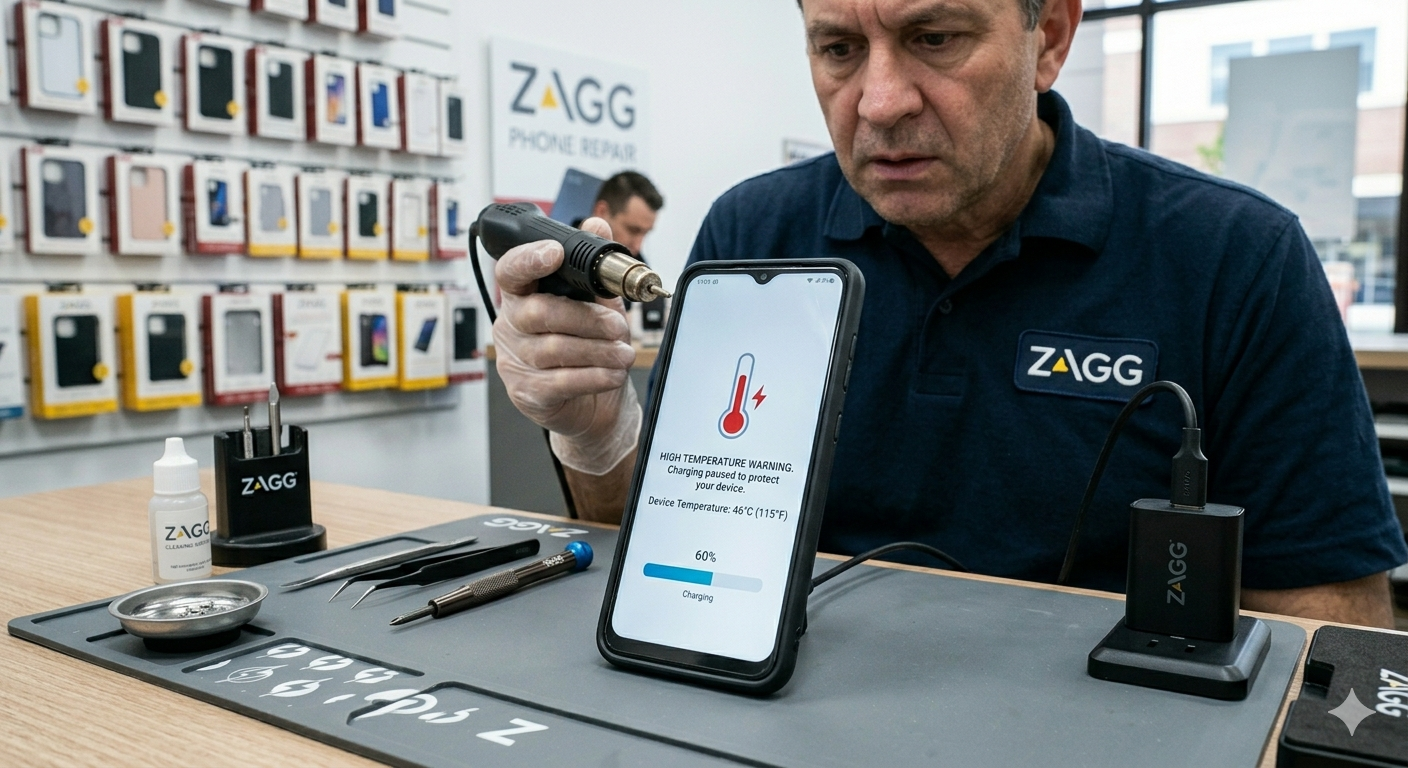
• the phone displays a temperature warning
Occasional warmth during heavy use is normal. However, persistent overheating can signal a deeper issue with your phone’s battery, charging system, or internal components.
In this guide, we’ll explain why phones overheat, what you can do to cool them down, and when it may be time to visit a ZAGG Phone Repair location for professional help.
1. Running Too Many Apps at Once
Smartphones constantly run background processes.
If too many apps are active at the same time, the processor has to work harder, which generates heat.
Common situations that increase processor load include:
• gaming for long periods
• running multiple apps simultaneously
• heavy video streaming
• background app updates
Closing unused apps can help reduce processor strain and allow the phone to cool down.
If your phone frequently overheats even during normal use, it may indicate a hardware issue such as battery degradation or internal damage.
Technicians at ZAGG Phone Repair can diagnose overheating problems and restore your device’s performance.
2. Charging Issues
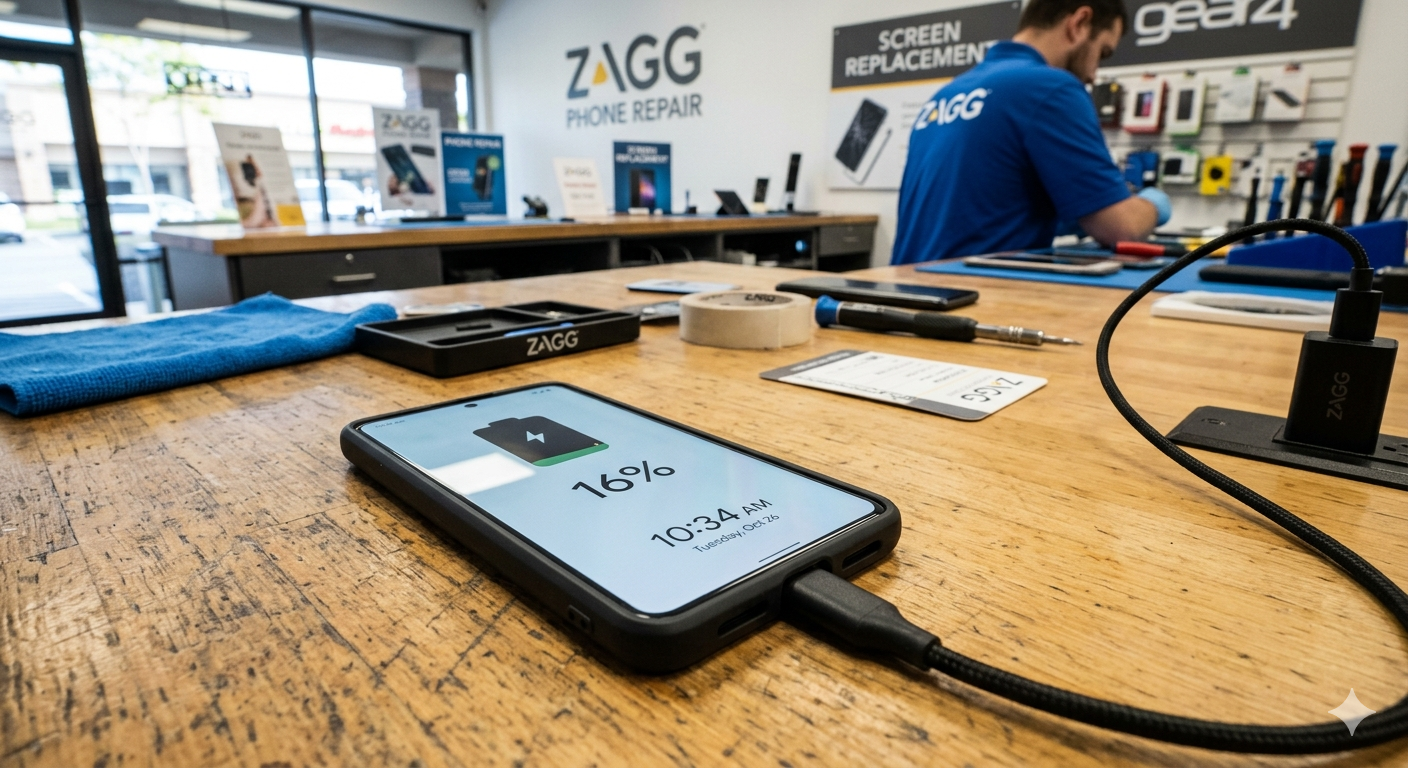
Charging can naturally generate heat, especially when using fast chargers or wireless charging pads.
However, excessive heat during charging may indicate problems such as:
• a worn battery
• damaged charging port
• faulty charging cables
• incompatible charging accessories
If your phone becomes extremely hot while charging, unplug it and allow it to cool before using it again.
Using certified charging accessories can also help reduce overheating risks.
3. High Screen Brightness
Keeping your screen at maximum brightness for long periods can also contribute to heat buildup.
This is especially common when using your phone outdoors in direct sunlight.
Reducing screen brightness or enabling auto-brightness settings can help limit unnecessary heat generation.
4. Software Bugs
Occasionally, overheating can be caused by software problems.
A buggy app or outdated operating system may cause the phone’s processor to run continuously in the background.
Signs of software-related overheating include:
• sudden battery drain
• apps freezing or crashing
• phone slowing down
Restarting your device and installing the latest software updates may resolve these issues.
CTA Block (SECOND)
If restarting your phone and updating software doesn’t fix overheating, the problem may be hardware-related.
Visit a ZAGG Phone Repair location to have your device professionally diagnosed.
5. Battery Degradation
One of the most common causes of smartphone overheating is battery wear.
As batteries age, they become less efficient and may generate more heat during charging or use.
Signs that the battery may be failing include:
• rapid battery drain
• phone overheating during simple tasks
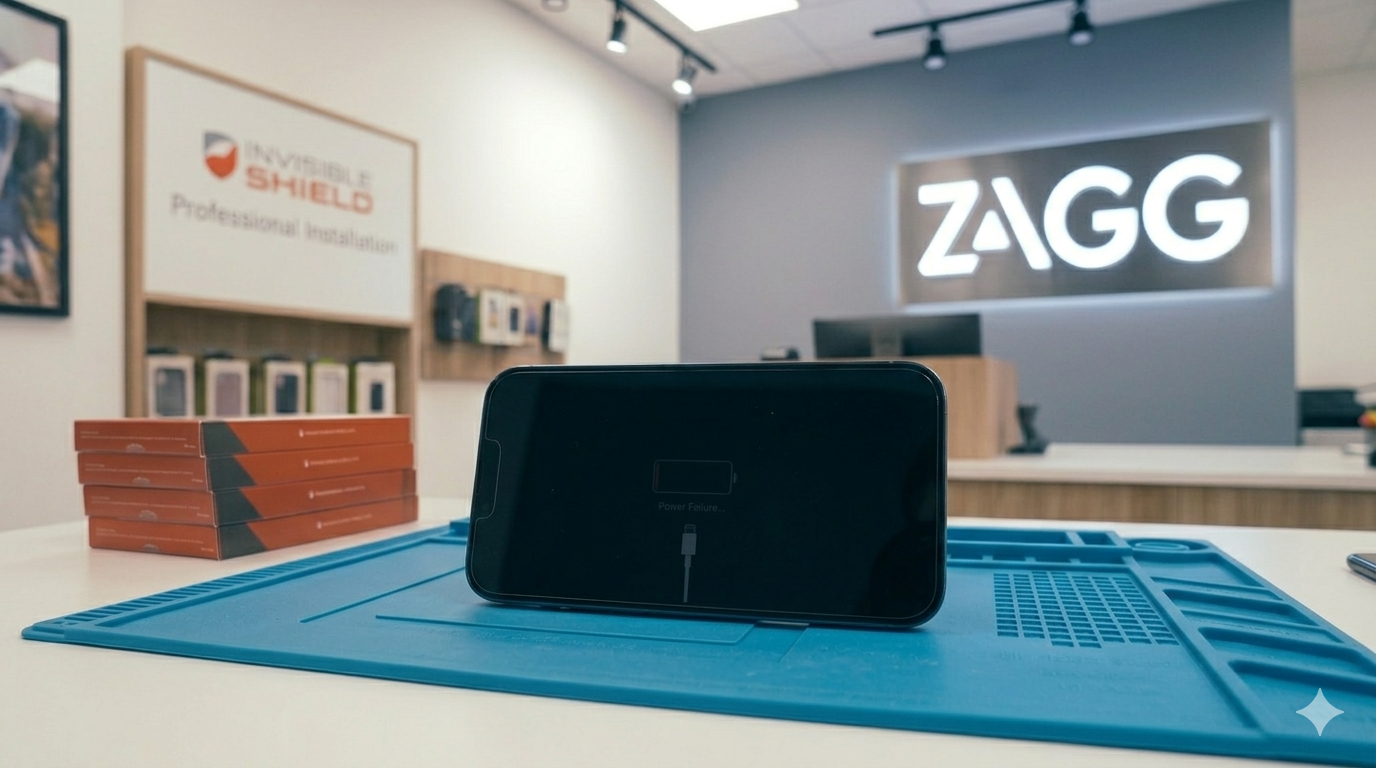
• unexpected shutdowns
• battery percentage jumping suddenly
In many cases, replacing the battery can restore normal temperature and performance.
6. Environmental Heat
External heat sources can also affect phone temperature.
Using your phone in very hot environments — such as inside a car on a sunny day — can cause the device to overheat quickly.
Smartphones include built-in temperature protection systems that may temporarily disable features when temperatures become too high.
To avoid overheating:
• keep your phone out of direct sunlight
• remove thick cases during heavy use
• avoid leaving phones inside hot vehicles
7. Internal Hardware Damage
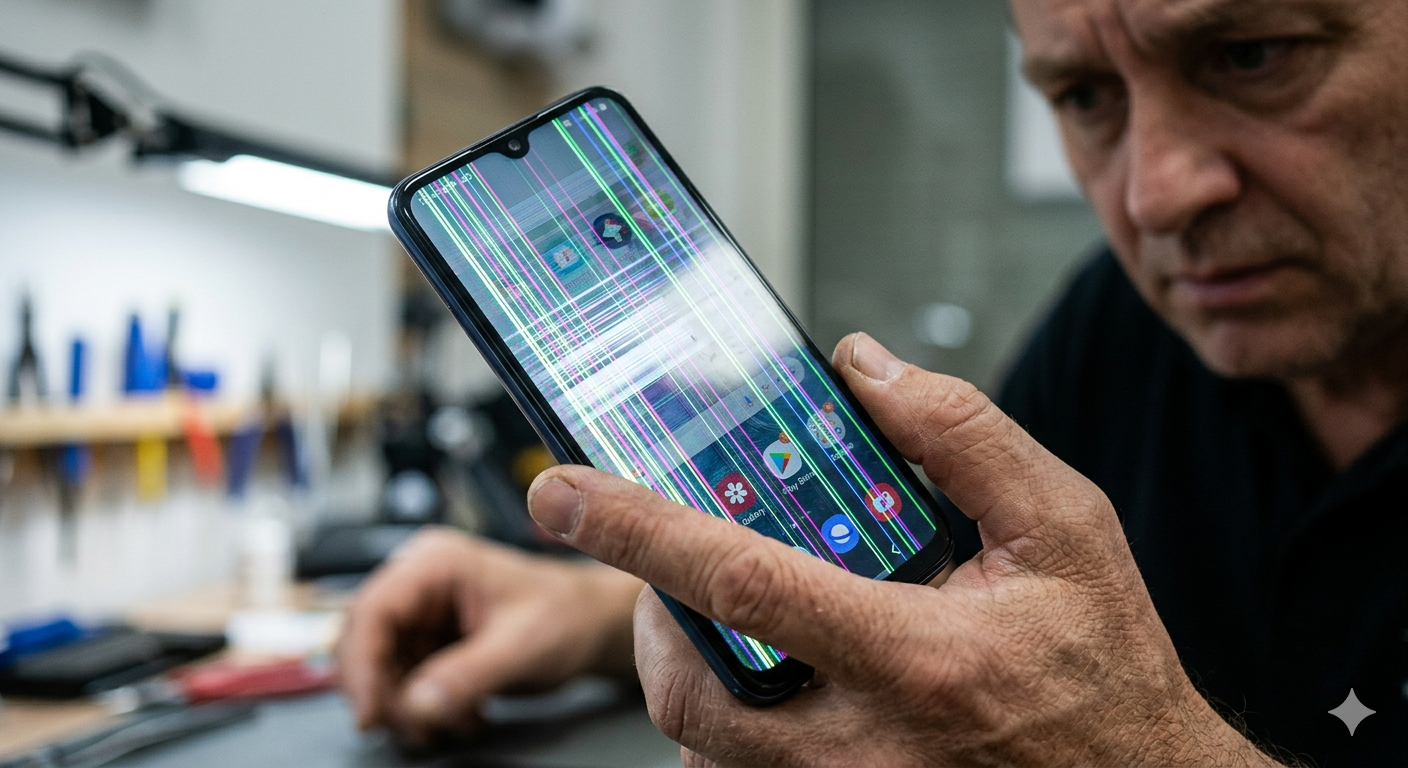
If your phone recently experienced a drop or water exposure, internal components may be damaged.
Damage to internal circuits can disrupt power flow and cause the phone to generate excessive heat.
In these cases, professional repair may be required to identify and replace the damaged components.
How to Cool Down an Overheating Phone
If your phone becomes too hot, try the following steps:
• close unused apps
• turn off the phone temporarily
• remove the case
• move the phone to a cooler environment
• avoid charging until it cools down
Allowing the phone to rest for a few minutes often helps reduce temperature.
Protect Your Phone From Damage
Phones that overheat repeatedly may be more vulnerable to battery failure or internal damage.
Protecting your phone from drops and accidents is also important.
Installing a high-quality screen protector can help reduce the risk of screen damage if the phone is dropped.
At ZAGG Phone Repair, technicians install InvisibleShield screen protectors designed to protect your display while maintaining clear visibility and touch responsiveness.
When to Visit ZAGG Phone Repair
If your phone overheats frequently or shuts down due to temperature warnings, professional diagnostics may help identify the cause.
Technicians at ZAGG Phone Repair can diagnose issues such as:
• failing batteries
• charging system problems
• internal hardware damage
• overheating caused by drops or water exposure
Many overheating issues can be resolved with a battery replacement or component repair.
If your phone continues to overheat during normal use, it may need professional attention.
Visit ZAGG Phone Repair and let our technicians diagnose the issue and restore your phone’s performance.