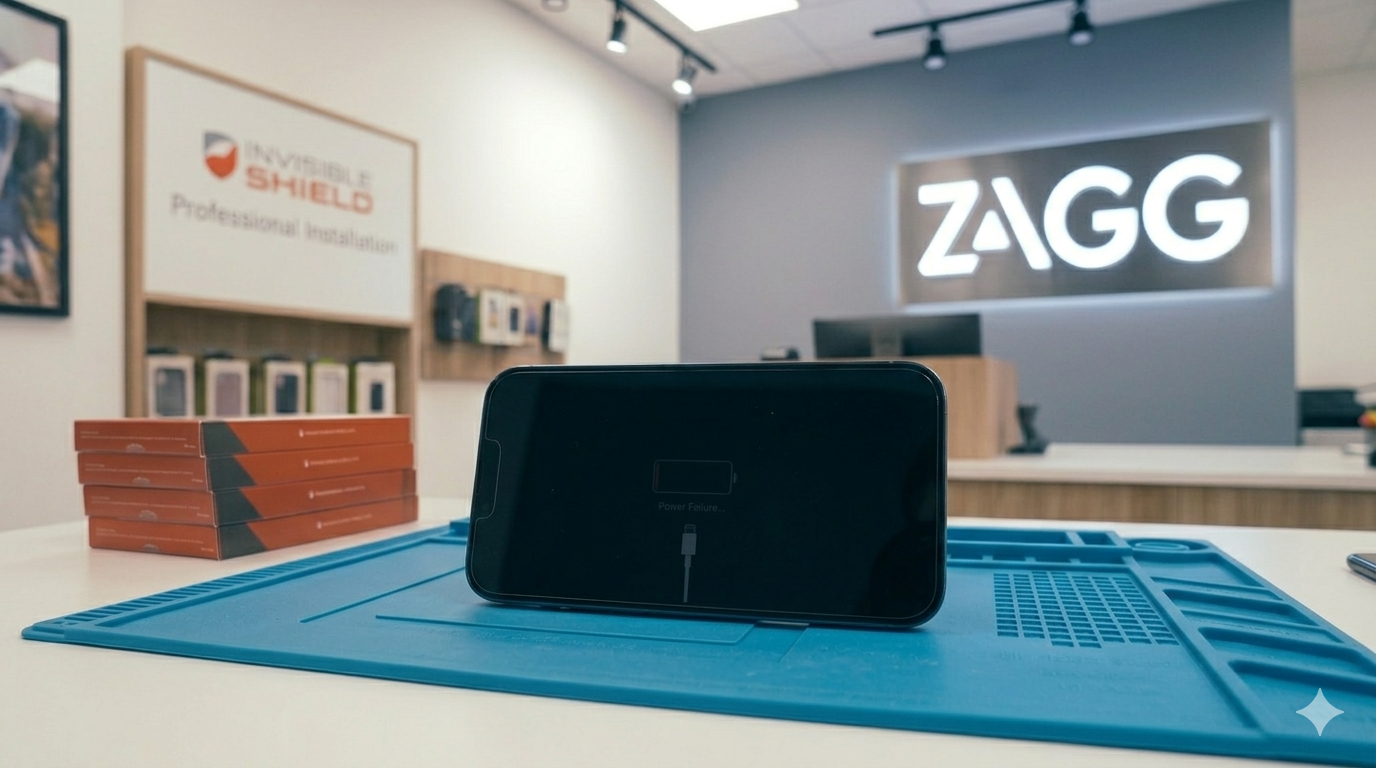
It can be alarming when your iPhone suddenly refuses to turn on.
You may press the power button repeatedly only to see a completely black screen. In some cases, the phone may appear completely dead even when connected to a charger.
If your iPhone won’t power on, several different issues could be responsible. Some problems are simple and can be resolved with quick troubleshooting steps, while others may require professional repair.
In this guide, we’ll explain why an iPhone may not turn on, what steps you can try to fix the problem, and when it may be time to visit a ZAGG Phone Repair location for professional diagnostics.
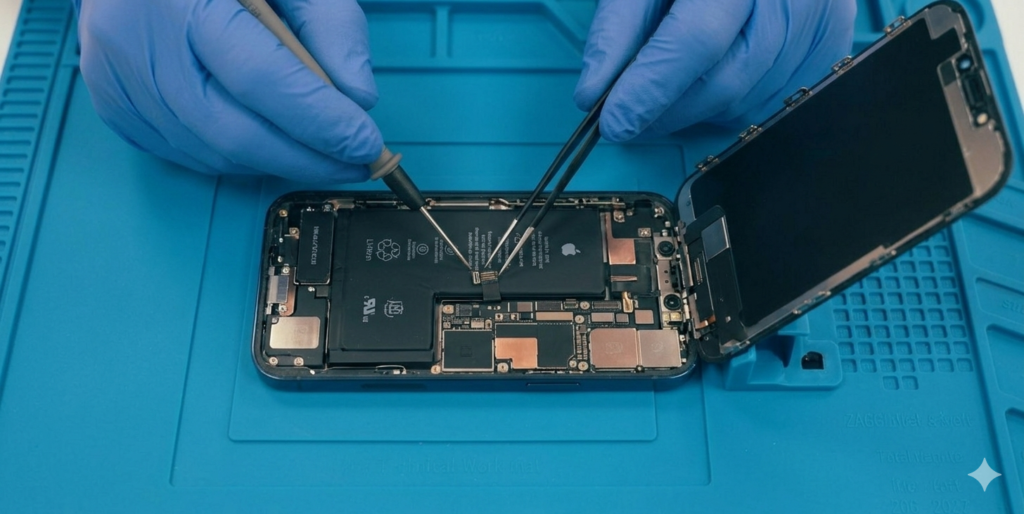
1. The Battery Is Completely Drained
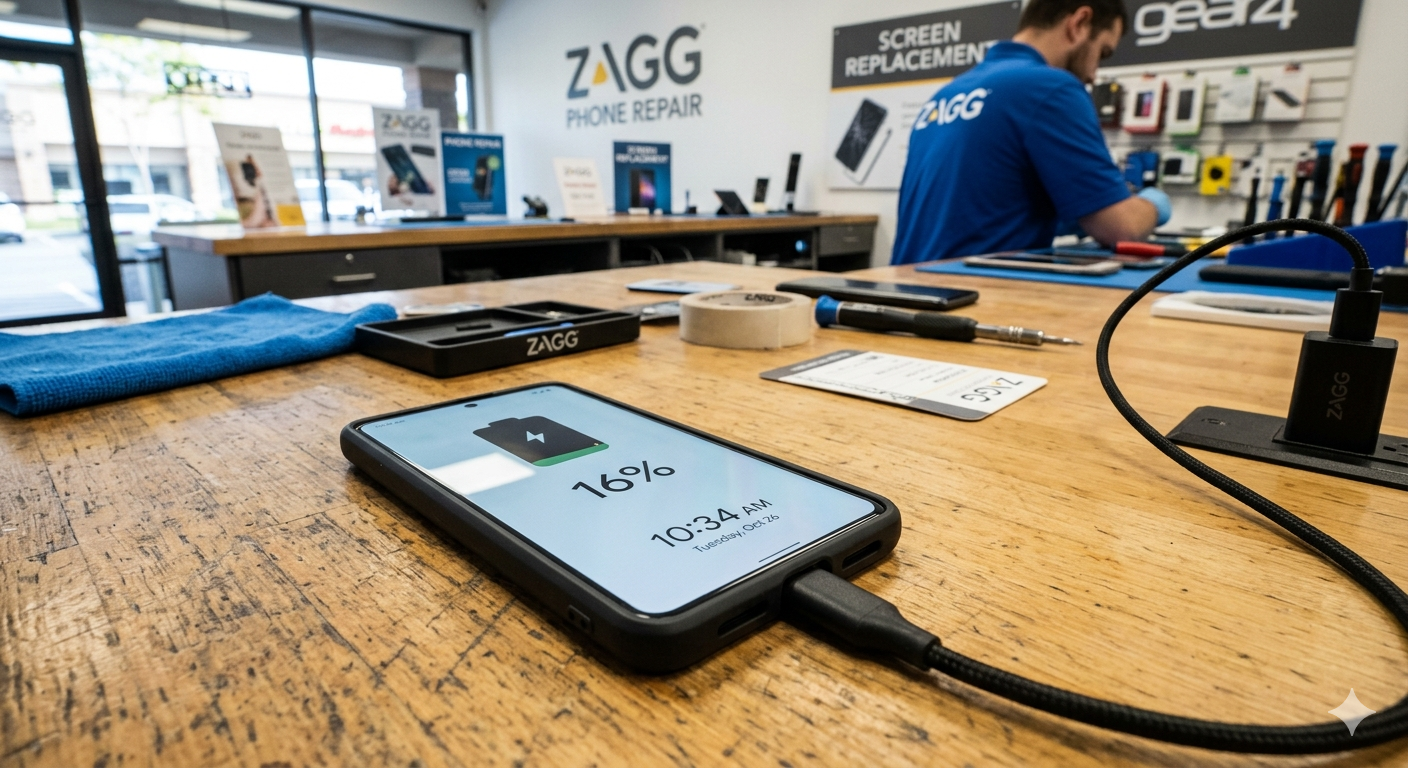
One of the most common reasons an iPhone will not turn on is a completely drained battery.
If the battery has been depleted for a long period of time, the phone may require several minutes of charging before it powers back on.
Try the following steps:
• connect the phone to a charger
• leave it charging for at least 10–15 minutes
• watch for the battery icon on the screen
If the phone begins charging, the issue may simply be a drained battery.
If your iPhone still won’t power on after charging, the battery or charging system may need professional inspection.
Technicians at ZAGG Phone Repair can diagnose power problems and restore your device.
2. A Frozen System
Sometimes the phone may appear off but is actually frozen due to a software crash.
In these situations, performing a force restart may resolve the issue.
Force restarting the device resets the operating system without deleting your data.
The exact steps vary depending on the iPhone model, but typically involve pressing a combination of the volume and power buttons.
3. Charging Cable or Adapter Problems
If the charging cable or power adapter is damaged, the phone may not receive power.
Try these steps:
• test another charging cable
• use a different wall adapter
• try another power outlet
Sometimes the problem is simply a faulty charging accessory.
4. Debris in the Charging Port
Dust, lint, or debris inside the charging port may prevent the charging cable from making proper contact.
This can stop the phone from charging even though the cable appears connected.
Inspect the charging port with a flashlight and carefully remove debris if necessary.
If your phone still won’t charge after cleaning the port, the charging connector may be damaged.
Visit a ZAGG Phone Repair location and have the device inspected by a technician.
5. Battery Failure
If the battery has degraded significantly, it may no longer provide enough power to turn the phone on.
Signs of battery failure may include:
• phone not responding to charging
• battery draining extremely fast
• phone shutting down unexpectedly
In many cases, replacing the battery can restore normal device function.
6. Water Damage
If your phone was recently exposed to water, internal components may have been affected.
Water damage can cause electrical issues that prevent the phone from powering on.
Symptoms may include:
• phone completely unresponsive
• screen flickering before shutting off
• charging problems after water exposure
Professional inspection is recommended in these cases.
7. Internal Hardware Problems
If the phone experienced a hard drop or internal component failure, it may no longer power on.
Possible hardware issues include:
• damaged power circuits
• motherboard problems
• display failure
• battery connector damage
These issues typically require professional diagnostics.
When to Visit ZAGG Phone Repair
If your iPhone still won’t turn on after basic troubleshooting, professional repair may be required.
Technicians at ZAGG Phone Repair can diagnose issues such as:
• battery failure
• charging port damage
• internal hardware problems
• water damage
Professional diagnostics can determine whether the device can be repaired.
If your iPhone won’t turn on, don’t assume the device is permanently damaged.
Visit ZAGG Phone Repair and let our technicians diagnose the issue.