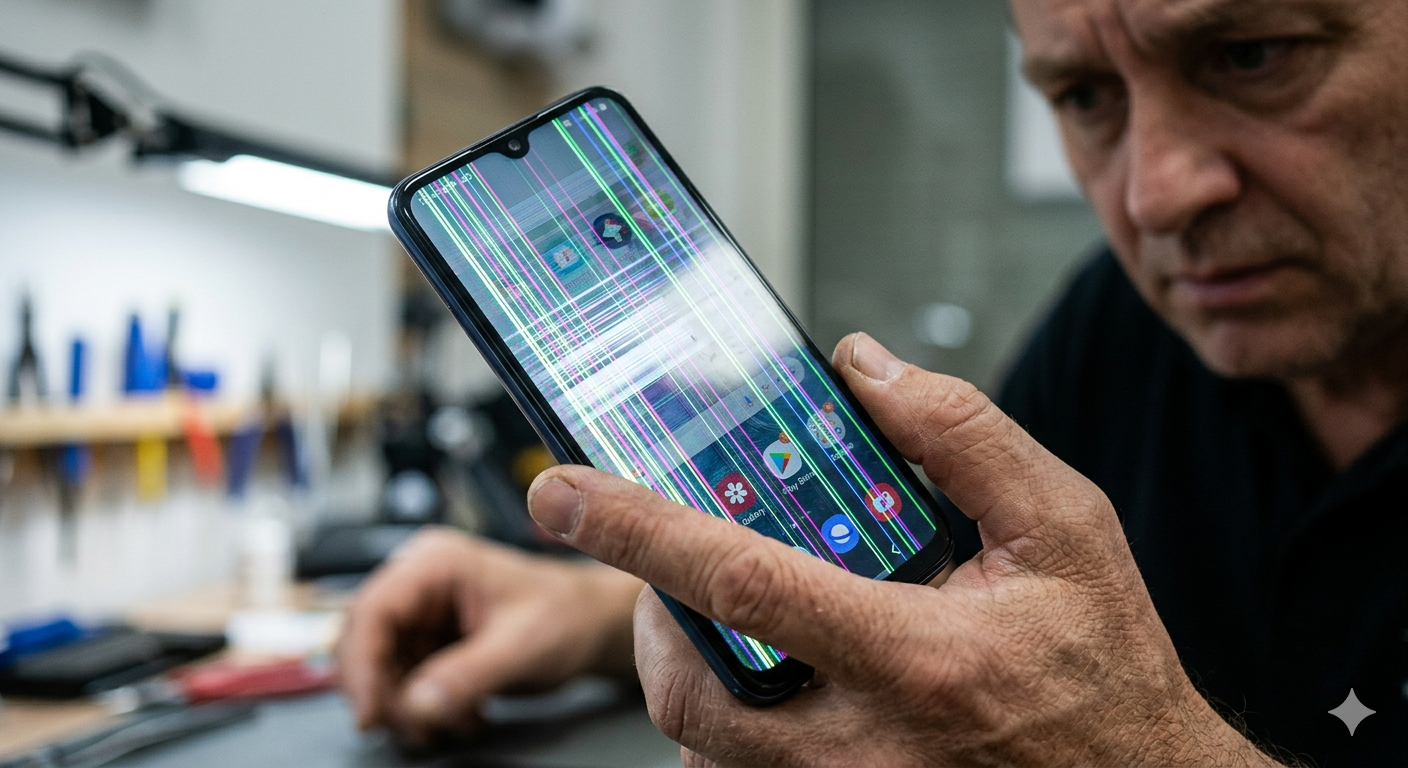
If your phone screen begins flickering, flashing, or displaying strange lines, it can make the device difficult or impossible to use.
Screen flickering can appear in several ways. Some phones show rapid brightness changes, while others display horizontal lines or temporary black screens.
These problems may be caused by software glitches, display damage, or internal hardware issues.
In this guide, we’ll explain why phone screens sometimes flicker, what troubleshooting steps you can try, and when it may be time to visit a ZAGG Phone Repair location for professional repair.
1. Software Glitches
Sometimes screen flickering is caused by temporary software issues.
A system glitch or malfunctioning app may interfere with how the display operates.
Restarting your phone can often resolve these temporary problems.
You can also check for available system updates, which may include bug fixes that improve display stability.
If your phone screen continues flickering after restarting or updating the device, the display may require professional inspection.
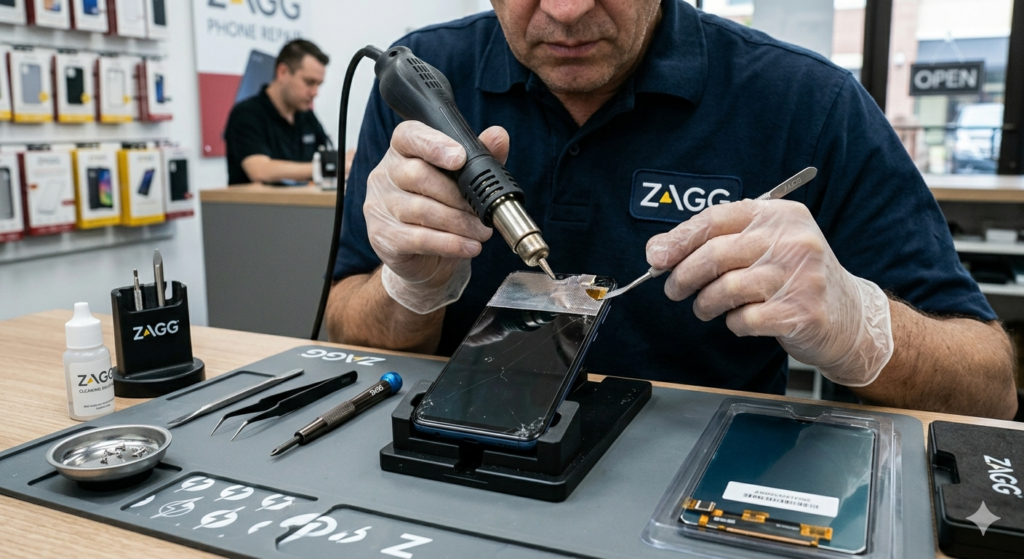
Technicians at ZAGG Phone Repair can diagnose screen problems and restore normal function.
2. App Compatibility Issues
Certain apps may cause display glitches if they are not fully compatible with the device’s operating system.
If the flickering occurs only when using a specific app, that app may be causing the problem.
Try:
• closing the app
• updating the app
• uninstalling and reinstalling the app
This may resolve the issue if the problem is software-related.
3. Screen Damage
If your phone was recently dropped, the display may have been damaged.
Even if the glass is not cracked, internal display components may still be affected.
Display damage may cause:
• flickering screens
• horizontal or vertical lines
• color distortion
• partial screen blackouts
These problems often require screen replacement.
4. Loose Internal Connections
Inside the phone, the display connects to the motherboard through small cables.
If these connections become loose due to drops or wear, the screen may flicker intermittently.
Professional technicians can inspect and repair these connections if necessary.
If your phone screen flickers frequently or shows lines, it may need professional repair.
Visit a ZAGG Phone Repair location and have the device inspected by a technician.
5. Water Damage
Exposure to moisture can affect the phone’s display circuitry.
Even small amounts of water entering the device may cause display problems.
Symptoms of water-related screen issues may include:
• flickering screens
• dim display
• screen discoloration
Professional inspection is recommended if water exposure occurred.
6. Display Hardware Failure
In some cases, the screen itself may be failing due to age or internal damage.
Display hardware failure may result in:
• constant flickering
• lines across the display
• sections of the screen not responding
Replacing the display often resolves these issues.
When to Visit ZAGG Phone Repair
If your phone screen continues flickering or showing display problems, professional diagnostics can help determine the cause.
Technicians at ZAGG Phone Repair can diagnose issues such as:
• display hardware failure
• screen damage from drops
• loose internal display connections
• water-related display problems
Screen replacement is one of the most common smartphone repairs.
If your phone screen is flickering or displaying lines, professional repair may restore your device.
Visit ZAGG Phone Repair and let our technicians inspect your phone.