Dropping an iPad can instantly turn a useful device into a frustrating one.
Because iPads have large glass displays, they are especially vulnerable to damage during drops. Even a fall from a table or couch can crack the screen.
If your tablet has just been dropped, you may be wondering:
What should I do if my iPad screen cracks?
While a cracked screen may still allow the device to function, the damage can worsen over time and may eventually affect the display or touch response.
In this guide, we’ll explain what steps to take after your iPad screen cracks, what risks come with using a damaged screen, and when it’s time to visit a ZAGG Phone Repair location for professional repair.
1. Check If the Screen Still Responds
After the screen cracks, the first step is to check whether the iPad is still functioning normally.
Test basic features such as:
• touch response
• opening apps
• typing on the keyboard
• screen brightness and display clarity
If the screen still responds normally, the damage may be limited to the glass layer.
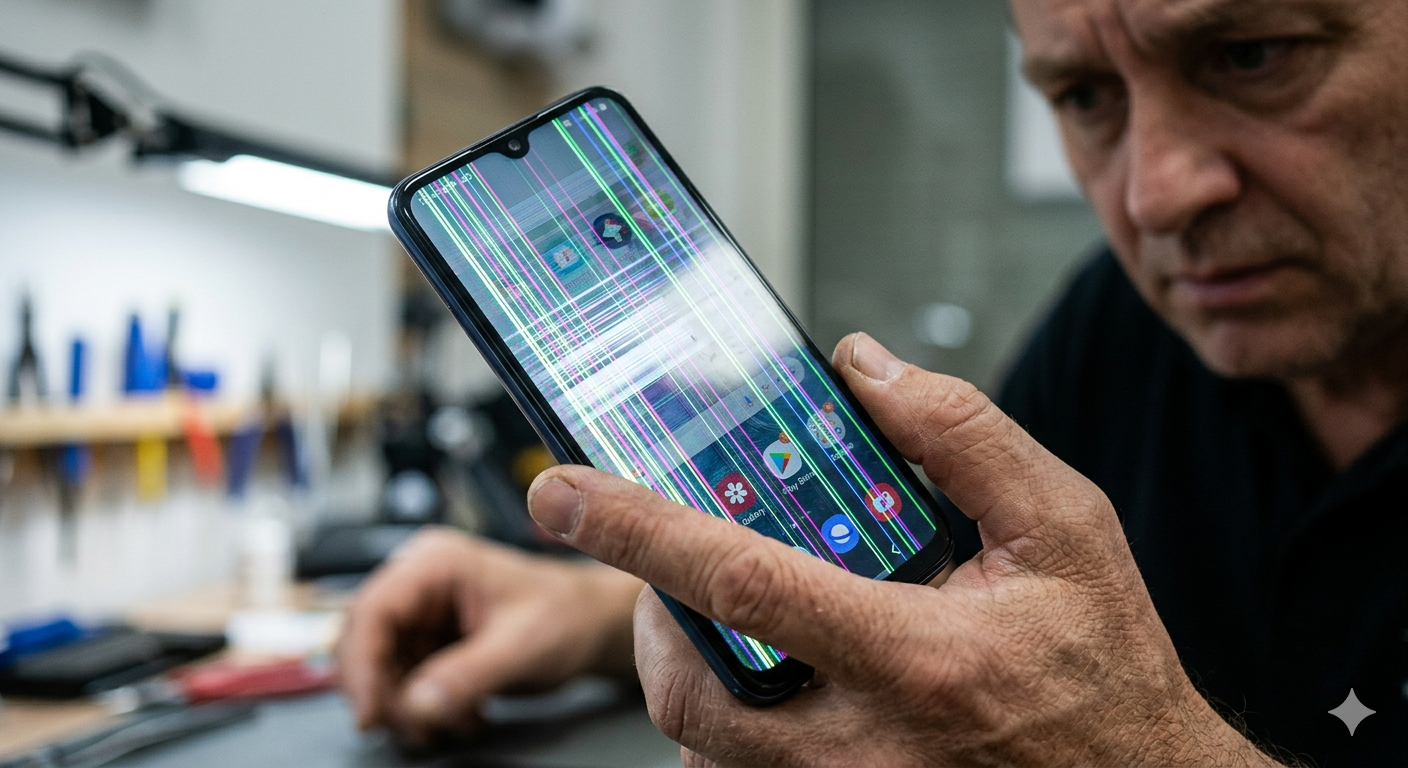
However, if the screen does not respond or displays strange lines, the internal display may be damaged.
If your iPad screen is cracked or not responding properly, professional repair can often restore the device quickly.
Technicians at ZAGG Phone Repair can replace damaged iPad displays.
2. Avoid Using the Screen Excessively
Using a cracked screen repeatedly may worsen the damage.
Every tap, swipe, or press puts additional stress on the cracked glass.
Over time, this may cause:
• cracks to spread
• glass fragments to loosen
• display issues to appear
Limiting use until the device can be repaired may help prevent further damage.
3. Protect Your Fingers From Broken Glass
Cracked screens can sometimes produce small glass fragments.
These fragments may create sharp edges on the display surface.
To avoid injury:
• avoid sliding fingers across damaged areas
• consider placing temporary protective film over the screen
• handle the device carefully until repair
Repairing the screen soon helps eliminate these risks.
4. Watch for Display Problems
Some cracked screens may initially appear cosmetic but develop problems later.
Warning signs of deeper damage include:
• dark spots on the screen
• flickering display
• vertical lines
• unresponsive touch areas
These symptoms usually indicate that the internal display components have been affected.
If your cracked screen begins showing display problems, it may require professional repair.
Visit a ZAGG Phone Repair location to have your tablet inspected.
5. Avoid Moisture and Dust
A cracked screen can allow debris and moisture to enter the device.
This can cause additional internal damage over time.
If your screen is broken, try to avoid exposing the device to:
• rain or water
• dusty environments
• sand or dirt
Keeping the device protected until repair may help prevent additional issues.
6. Repair the Screen as Soon as Possible
Although some people continue using cracked tablets, repairing the screen early is often the best option.
Benefits of early repair include:
• restoring full touch functionality
• preventing cracks from spreading
• avoiding internal display damage
• eliminating sharp glass edges
Screen replacement can restore the device’s appearance and usability.
Protect Your iPad After Repair
After repairing your screen, protecting the device from future drops is important.
Using a protective case or screen protector can help reduce the risk of future damage.
These accessories absorb impact and help protect the display during accidents.
When to Visit ZAGG Phone Repair
If your iPad screen is cracked, flickering, or unresponsive, professional repair may restore your device quickly.
Technicians at ZAGG Phone Repair can diagnose issues such as:
• cracked tablet displays
• touch screen problems
• display flickering or lines
• internal screen damage
Screen replacement is one of the most common tablet repairs.
If your iPad screen is cracked, don’t wait for the damage to spread.
Visit ZAGG Phone Repair and get your tablet repaired by experienced technicians.