Tablets have become essential tools for work, entertainment, and staying connected. Whether you use yours for video calls, streaming, reading, or productivity apps, a malfunctioning tablet can disrupt your daily routine. While some issues seem minor at first, they often signal deeper problems that require professional attention. Understanding the most common tablet problems and how experts address them can help you make informed decisions about repair versus replacement.
Cracked or Unresponsive Screens
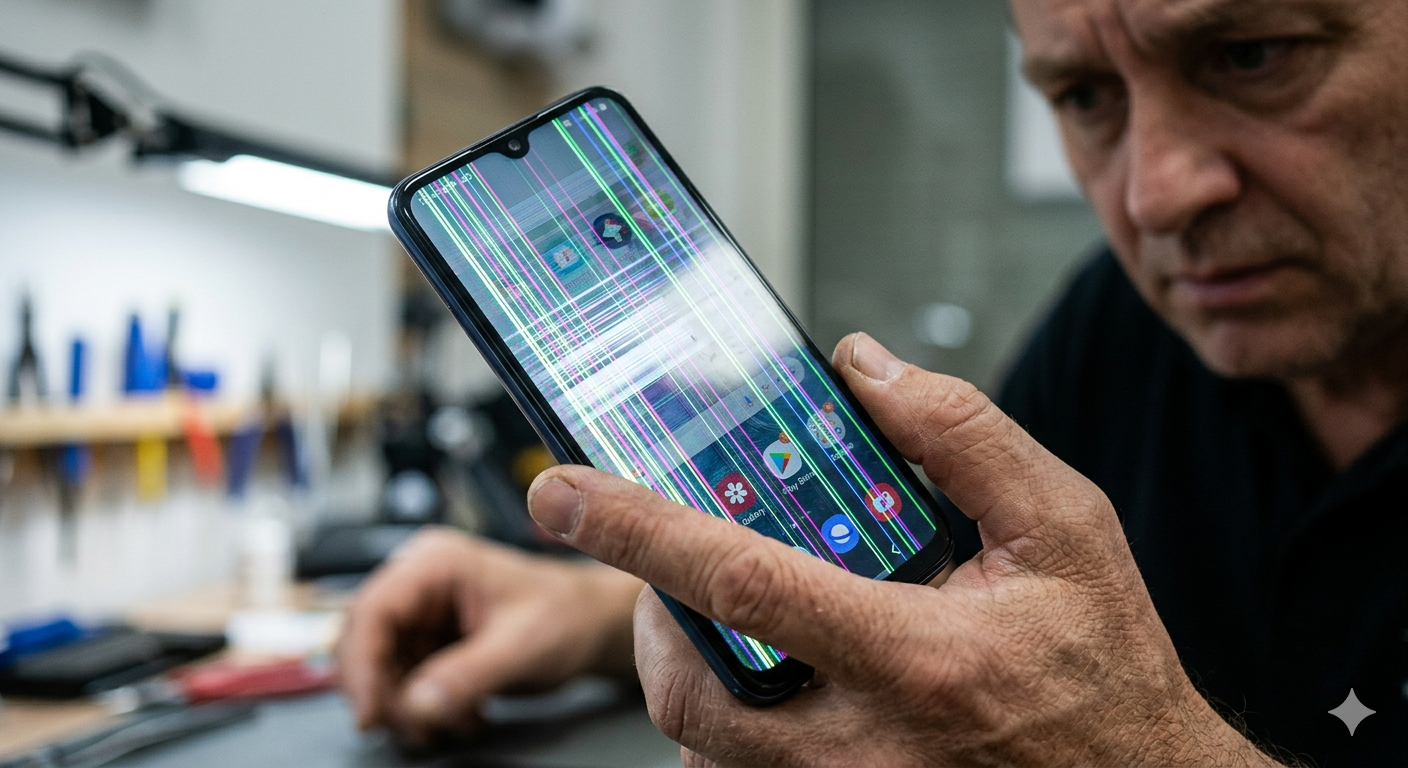
Screen damage remains the most frequent tablet problem. A cracked screen might seem like a cosmetic issue, but it often compromises touch sensitivity and can worsen over time. Even without visible cracks, digitizers can fail, making your screen unresponsive to touch or causing phantom touches where the device registers input you didn’t make.
Professional repair technicians approach screen issues systematically. They first diagnose whether the problem involves just the glass layer, the digitizer beneath it, or the LCD display itself. Modern tablets often use fused displays where these components are bonded together, requiring complete assembly replacement rather than individual layer repairs.
Battery Drain and Charging Problems
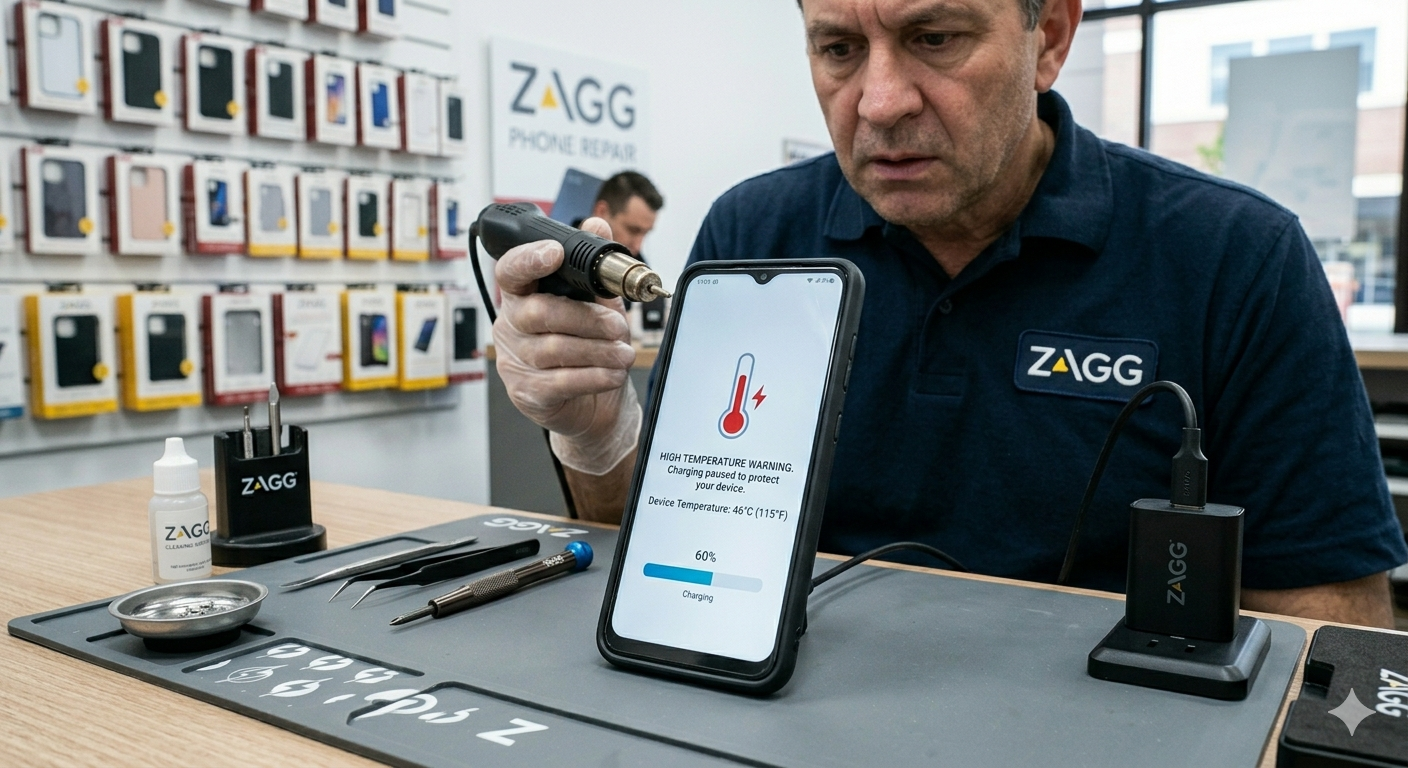
Battery issues manifest in various ways: rapid discharge, failure to charge, or the tablet shutting down unexpectedly despite showing remaining battery percentage. These problems can stem from aging batteries, faulty charging ports, or software issues consuming excessive power.
When you bring a tablet with battery concerns to a professional, they perform comprehensive diagnostics. Using specialized software, technicians check battery health, cycle count, and actual capacity compared to the original specification. This data reveals whether the battery itself needs replacement or if another issue is draining power.
For charging problems, professionals inspect the charging port for debris, corrosion, or physical damage to the pins. They test with known-good cables and chargers to eliminate external factors. If the port requires replacement, skilled technicians desolder the damaged component and install a new one, ensuring proper electrical connections and physical stability.
Software Crashes and Performance Issues
Tablets freezing, apps closing unexpectedly, or systems running sluggishly frustrate users trying to complete tasks. While some software problems resolve with updates or resets, persistent issues often indicate hardware complications affecting system stability.
Repair professionals distinguish between true software issues and hardware problems masquerading as software glitches. They run diagnostic tests checking memory integrity, storage health, and processor function. Overheating components, failing storage drives, or insufficient RAM can all cause symptoms users attribute to software alone.
For legitimate software issues, technicians can perform clean operating system installations, ensuring all system files are intact and uncorrupted. They back up user data before beginning work, then restore it after establishing a stable system environment. This mobile device repair approach often resolves problems that simple factory resets cannot fix.
Audio Problems
Audio malfunctions range from complete silence to distorted sound, crackling speakers, or microphones that don’t pick up voice clearly during calls. These issues severely limit tablet functionality, especially for users who rely on their devices for communication or entertainment.
Professional technicians test all audio pathways when diagnosing these problems. They verify speaker function, microphone sensitivity, and headphone jack operation if present. Problems might originate from damaged speakers, clogged microphone ports, failed audio processing chips, or corrupted audio drivers.
Speaker replacement requires careful disassembly to access components often located in tight spaces within the tablet chassis. Technicians ensure new speakers match the original impedance and power specifications, preventing audio quality issues or potential damage to audio amplification circuits.
Microphone problems sometimes result from debris blocking the tiny openings where sound enters. Professionals use appropriate cleaning methods that remove obstructions without pushing debris deeper into the device. When microphones themselves fail, replacement involves precise soldering work on small components.
Connectivity Issues
WiFi dropping frequently, Bluetooth devices not pairing, or cellular data not working properly can isolate tablets from the connected world. These connectivity problems stem from antenna damage, failed wireless modules, or software configuration issues.
Repair experts begin connectivity diagnosis by testing in controlled environments that eliminate external factors like router problems or network congestion. They verify that airplane mode toggles properly and that the device detects available networks. This testing helps isolate whether issues involve hardware, firmware, or external connectivity infrastructure.
Antenna problems often result from physical damage or corrosion on connector points. Professional repairs involve accessing the antenna assemblies, cleaning connections, or replacing damaged antenna components. These repairs require an understanding of radio frequency considerations and proper reassembly to maintain signal strength.
For failed wireless modules, technicians replace the entire component, which might involve motherboard-level repairs requiring micro-soldering skills. They then verify all connectivity functions before returning the device, ensuring reliable performance across different network types and conditions.
Water Damage
Liquid exposure creates some of the most challenging repair scenarios. Water damage can cause immediate failures or create corrosion that manifests problems weeks later. Even tablets marketed as water-resistant can suffer damage when seals degrade or when exposure exceeds design specifications.
Professional water damage repair begins with immediate disassembly and cleaning. Technicians use specialized solutions and ultrasonic cleaners to remove corrosion from circuit boards and component contacts. They pay particular attention to areas where liquid tends to pool, like battery compartments and charging ports.
After cleaning, professionals dry components thoroughly using methods that prevent additional damage from heat or static electricity. They inspect for corroded components that require replacement and test all systems before reassembling the device. This comprehensive approach gives water-damaged tablets the best chance of recovery.
Sometimes water damage affects the motherboard beyond economical repair. Honest professionals will advise when repair costs exceed replacement value, helping you make informed decisions about your device’s future.
Camera Malfunctions
Front and rear camera problems prevent video calls, photography, and apps requiring camera access. Blurry images, black screens when opening camera apps, or cameras not focusing properly all indicate issues requiring professional diagnosis.
Technicians isolate whether camera problems involve the camera modules themselves, ribbon cable connections, or software drivers. They test focus mechanisms, image sensors, and lens assemblies to pinpoint failure points. Camera modules are delicate components requiring careful handling during replacement.
Professional camera repair includes calibration after installation. Technicians verify that autofocus works correctly, image stabilization functions properly, and image quality meets specifications across different lighting conditions. This thorough testing ensures the repaired camera performs like new.
Conclusion
Don’t let a damaged or malfunctioning tablet disrupt your productivity and connectivity. Our experienced technicians specialize in diagnosing and repairing all types of tablet issues, from cracked screens to complex hardware failures. We use high-quality replacement parts, offer warranties on our work, and provide transparent pricing so you know exactly what to expect.
Whether you’re dealing with a cracked screen, failing battery, or mysterious performance issues, we’re here to help. Contact us today for a free diagnostic assessment. We’ll evaluate your tablet, explain your repair options, and help you make the best decision for your needs and budget. Most repairs can be completed quickly, often while you wait, getting your device back in your hands and working like new. Schedule your appointment now and experience the difference that professional tablet repair makes.
Frequently Asked Questions
How long does professional tablet repair typically take?
Most repairs are completed within a few hours to a few days depending on parts availability and repair complexity. Screen replacements often finish same-day, while specialized repairs requiring component ordering may take longer.
Is professional repair worth the cost compared to buying a new tablet?
This depends on your tablet’s age, condition, and repair cost. Generally, repairing newer tablets or high-end models makes economic sense, while older budget tablets might cost more to repair than replace. Professionals can provide cost-benefit analysis for your specific situation.
Will repair void my warranty?
Repairs performed by unauthorized services typically void manufacturer warranties. If your tablet remains under warranty, contact the manufacturer first. For out-of-warranty devices, professional third-party repair offers cost-effective solutions without warranty concerns.
Can professionals recover my data if my tablet won’t turn on?
Data recovery possibility depends on the failure type. If the motherboard remains functional and only power-related components failed, data recovery is often possible. Storage damage or motherboard failure complicates recovery but specialized services may still retrieve data.
How can I prevent future tablet problems?
Use quality protective cases, avoid extreme temperatures, keep charging ports clean, install updates promptly, and address small issues before they worsen. Regular maintenance and careful handling extend tablet lifespan significantly.
What should I look for in a professional repair service?
Seek repair services offering warranties on their work, using quality replacement parts, providing transparent pricing, and having experienced technicians. Reviews from previous customers and proper business credentials indicate reliable service providers.