If your iPad battery seems to drain much faster than it used to, you’re not alone.
Many tablet users notice that after a few years of use, their device no longer holds a charge the way it once did.
You may find yourself charging the iPad more frequently or watching the battery percentage drop quickly during normal use.
Battery issues can be frustrating, especially if you rely on your tablet for work, school, or entertainment.
In this guide, we’ll explain why your iPad battery may be draining quickly, what you can do to improve battery performance, and when it may be time to visit a ZAGG Phone Repair location for a battery replacement.
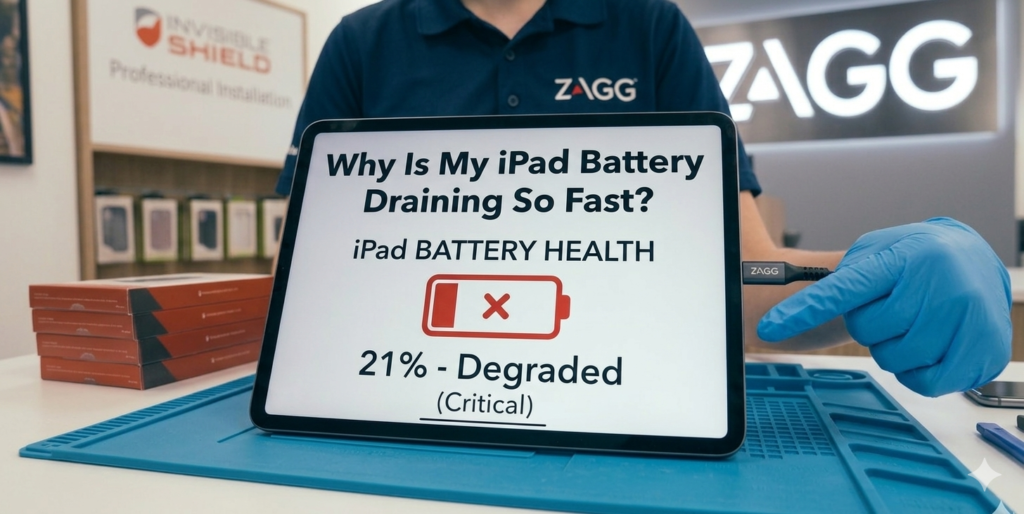
1. Battery Age
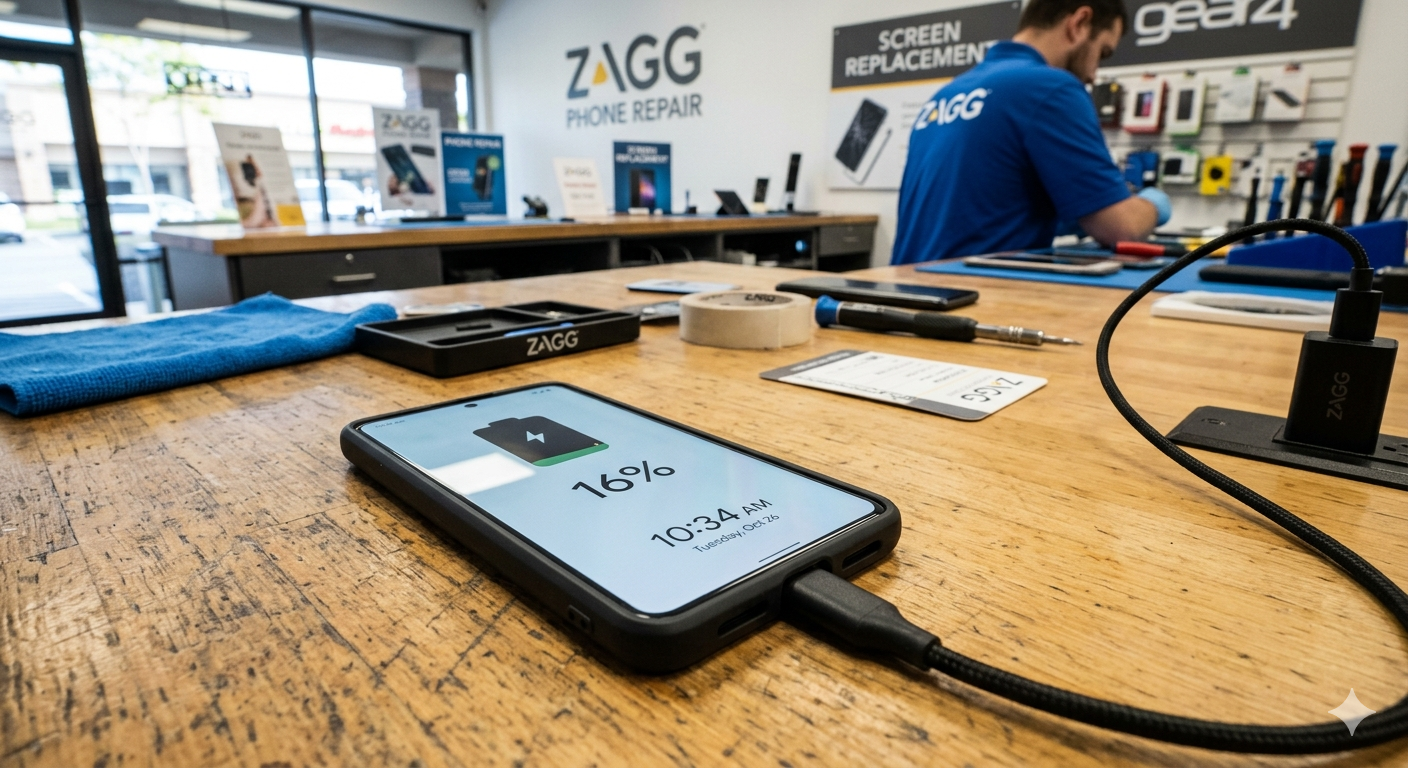
One of the most common causes of battery drain is simple battery aging.
Like all rechargeable batteries, iPad batteries gradually lose capacity over time.
After hundreds of charge cycles, the battery may no longer hold a full charge.
Signs of battery wear include:
• shorter battery life
• battery dropping quickly from high percentages
• needing to charge more frequently
In many cases, replacing the battery can restore normal battery life.
If your iPad battery no longer lasts through the day, a battery replacement may restore performance.
Technicians at ZAGG Phone Repair can replace worn tablet batteries and help extend the life of your device.
2. Background Apps Consuming Power
Apps running in the background may continue using battery power even when you’re not actively using them.
Some apps that commonly consume battery include:
• streaming apps
• navigation apps
• social media apps
• location-based services
Closing unused apps can help reduce battery drain.
3. High Screen Brightness
Tablet displays are one of the largest sources of power consumption.
Using the screen at maximum brightness for long periods can significantly reduce battery life.
Reducing brightness or enabling auto-brightness settings may help extend battery performance.
4. Outdated Software
Running outdated software may cause inefficient battery usage.
Operating system updates often include performance improvements and battery optimizations.
Installing the latest updates can help improve battery performance.
If your battery continues draining quickly even after adjusting settings, the battery itself may need replacement.
Visit a ZAGG Phone Repair location and have your tablet inspected by a technician.
5. Excessive Background Activity
Notifications, background refresh, and automatic downloads may also consume battery power.
Disabling unnecessary background processes can help reduce battery usage.
Examples include:
• background app refresh
• automatic app updates
• location tracking
Reducing these activities may improve battery life.
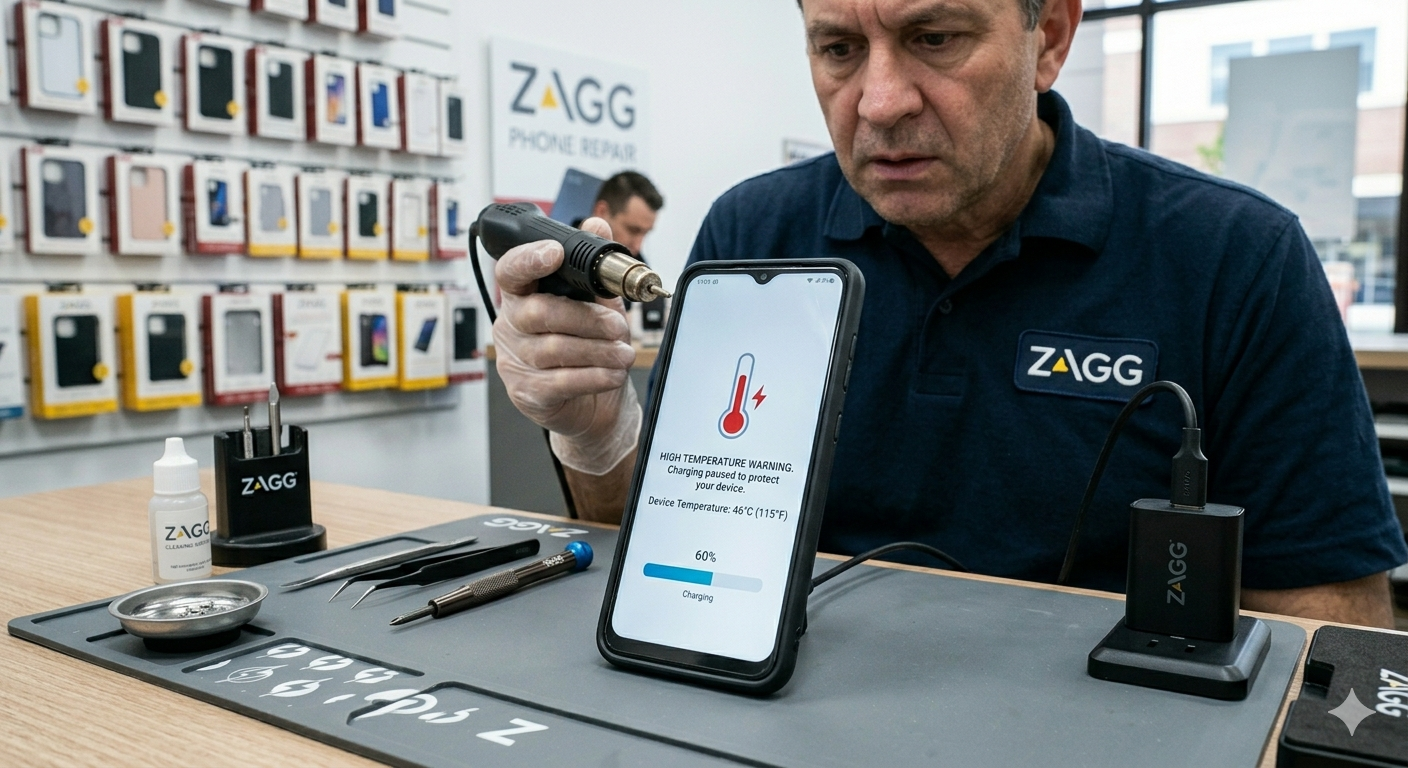
6. Extreme Temperatures
Heat can accelerate battery degradation.
Leaving an iPad in hot environments such as cars or direct sunlight may damage the battery and cause faster drain.
Keeping your device in moderate temperatures can help preserve battery health.
How Long Should an iPad Battery Last?
Most iPad batteries are designed to last several years before noticeable capacity loss occurs.
However, heavy usage and frequent charging cycles may shorten the battery lifespan.
If your device is several years old and the battery drains quickly, replacement may restore performance.
When to Visit ZAGG Phone Repair
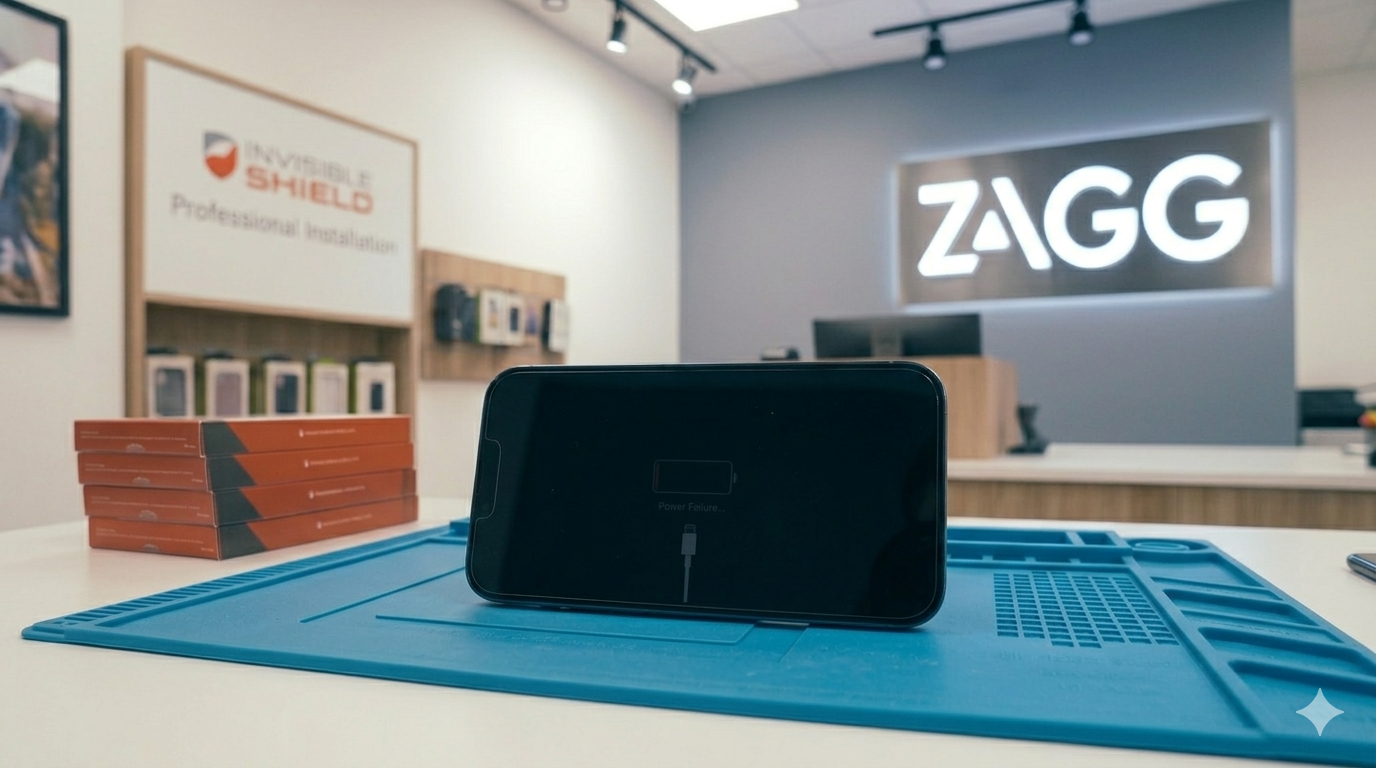
If your iPad battery drains rapidly or the device shuts down unexpectedly, professional diagnostics may help determine the cause.
Technicians at ZAGG Phone Repair can diagnose issues such as:
• battery degradation
• charging system problems
• overheating related to battery wear
• power management issues
Battery replacement is one of the most common tablet repairs.
If your iPad battery drains quickly and struggles to hold a charge, professional repair may help restore performance.
Visit ZAGG Phone Repair and let our technicians inspect your device.