Why Your Phone Is Running Slow (And How to Fix It)
If your phone suddenly feels slow, freezes frequently, or takes a long time to open apps, you’re not alone.
Smartphones can slow down over time for many reasons. While some performance issues are caused by software or storage problems, others may be related to hardware issues such as battery degradation.
Many people assume they need to replace their phone when it starts running slowly. However, in many cases, a few simple fixes can restore performance.
In this guide, we’ll explain why phones slow down, what you can do to speed them up, and when it might be time to visit a ZAGG Phone Repair location for diagnostics.
1. Too Many Apps Running in the Background
Smartphones often run multiple apps simultaneously.
Even if you’re not actively using them, background apps may continue using system resources.
When too many apps run at once, your phone’s processor and memory can become overloaded.
This can lead to:
• slow app loading
• delayed touch response
• freezing or stuttering
Closing unused apps can help free up system resources and improve performance.
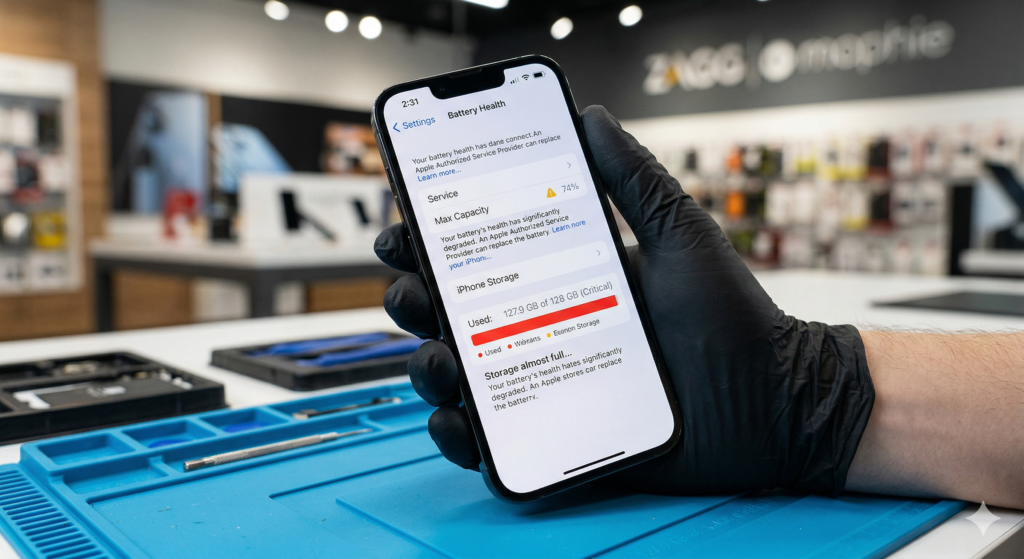
If your phone continues running slowly even after restarting and closing apps, there may be a deeper issue affecting performance.
Technicians at ZAGG Phone Repair can diagnose performance problems and help restore your device.
2. Low Storage Space
Another common cause of slow phones is low storage space.
When your phone’s storage is nearly full, it can struggle to manage files and system processes.
Signs of low storage include:
• slow app performance
• delayed photo saving
• apps crashing unexpectedly
• “storage almost full” warnings
Deleting unused apps, photos, and videos can often improve phone performance.
3. Outdated Software
Running outdated software may cause compatibility issues with apps and system processes.
Operating system updates often include performance improvements and bug fixes.
If your phone is running slowly, check for available system updates and install them if possible.
Keeping your phone updated can help improve stability and speed.
4. Battery Degradation
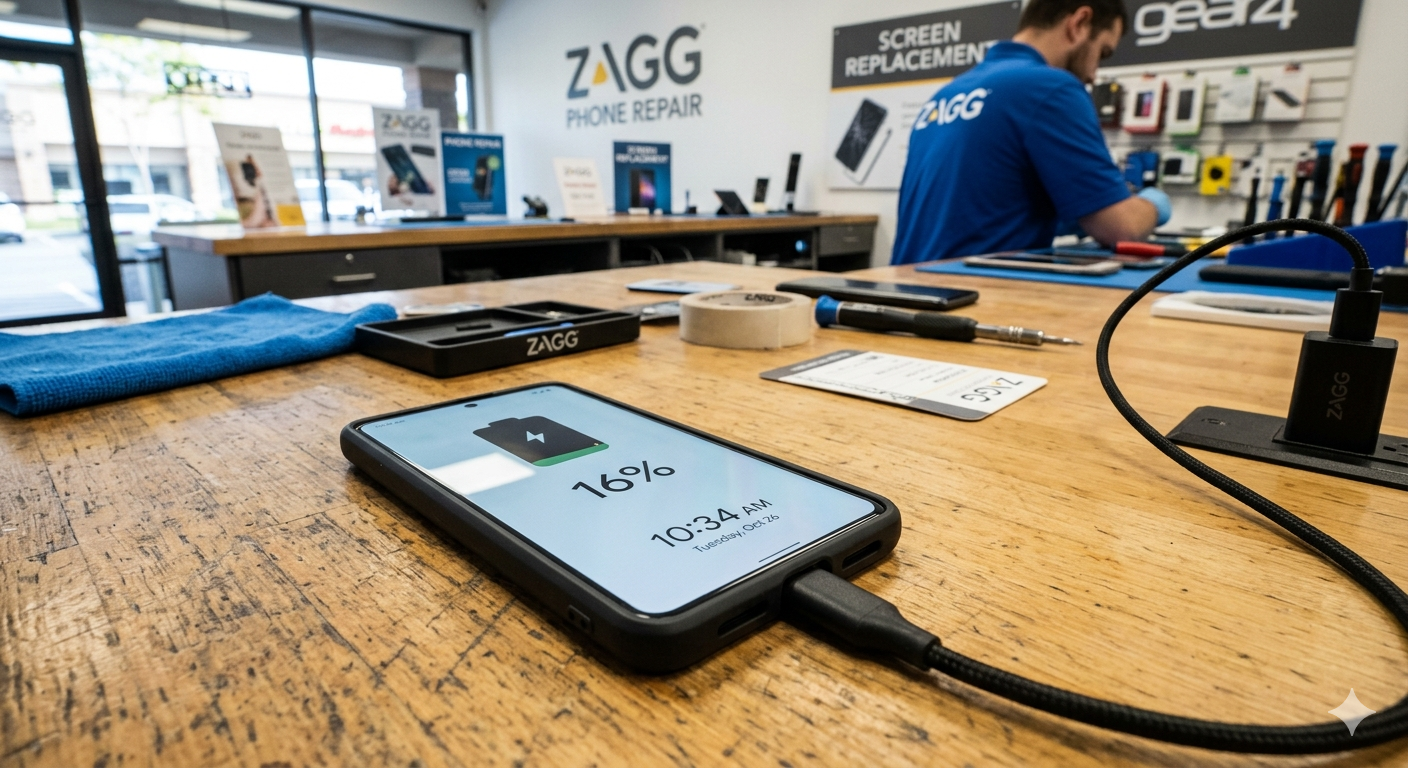
A worn battery can sometimes affect phone performance.
As batteries age, they may struggle to provide stable power to the phone’s processor.
Some phones automatically slow performance to prevent unexpected shutdowns when the battery becomes weak.
Signs that battery health may be affecting performance include:
• rapid battery drain
• phone shutting down unexpectedly
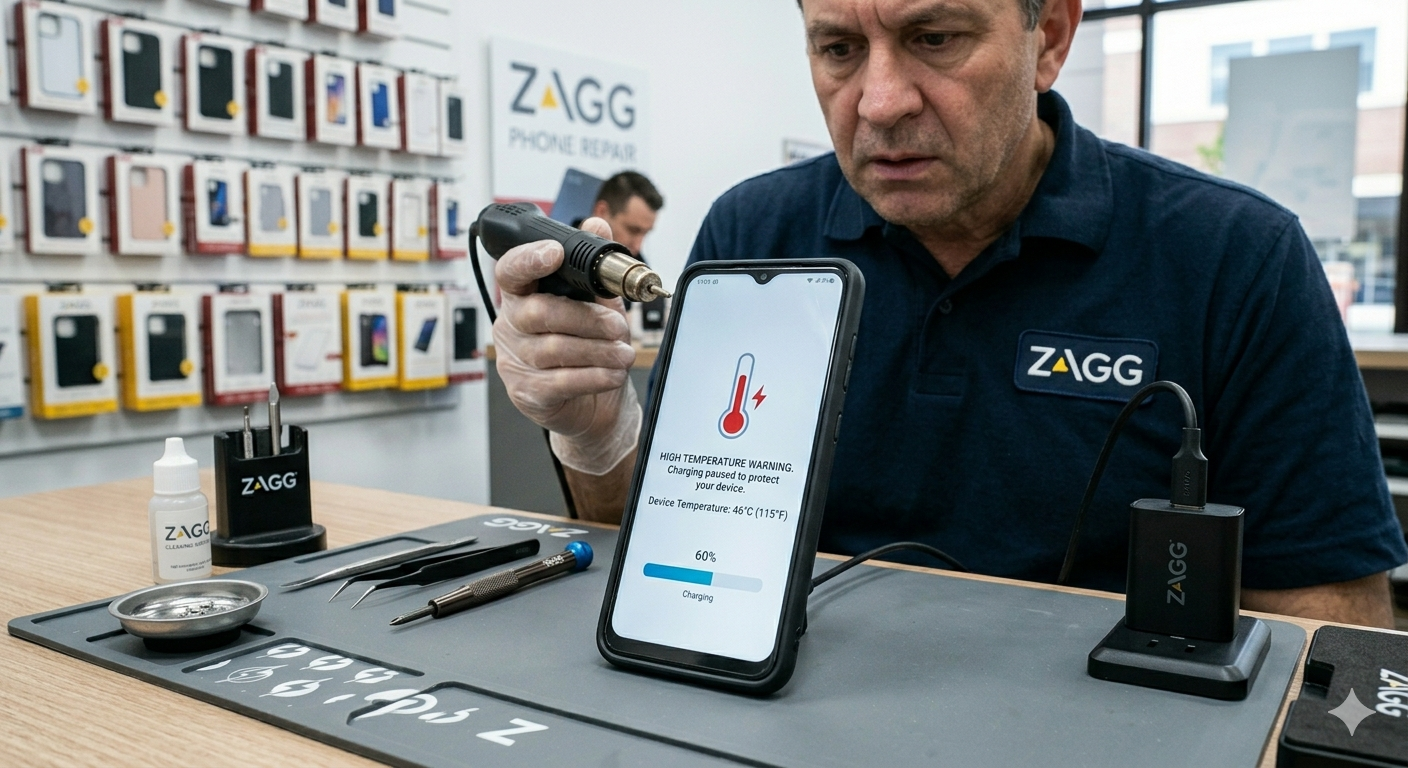
• device overheating
• noticeable slowdowns during normal use
Replacing the battery may restore normal performance.
If your phone slows down frequently or shuts off unexpectedly, the battery may need replacement.
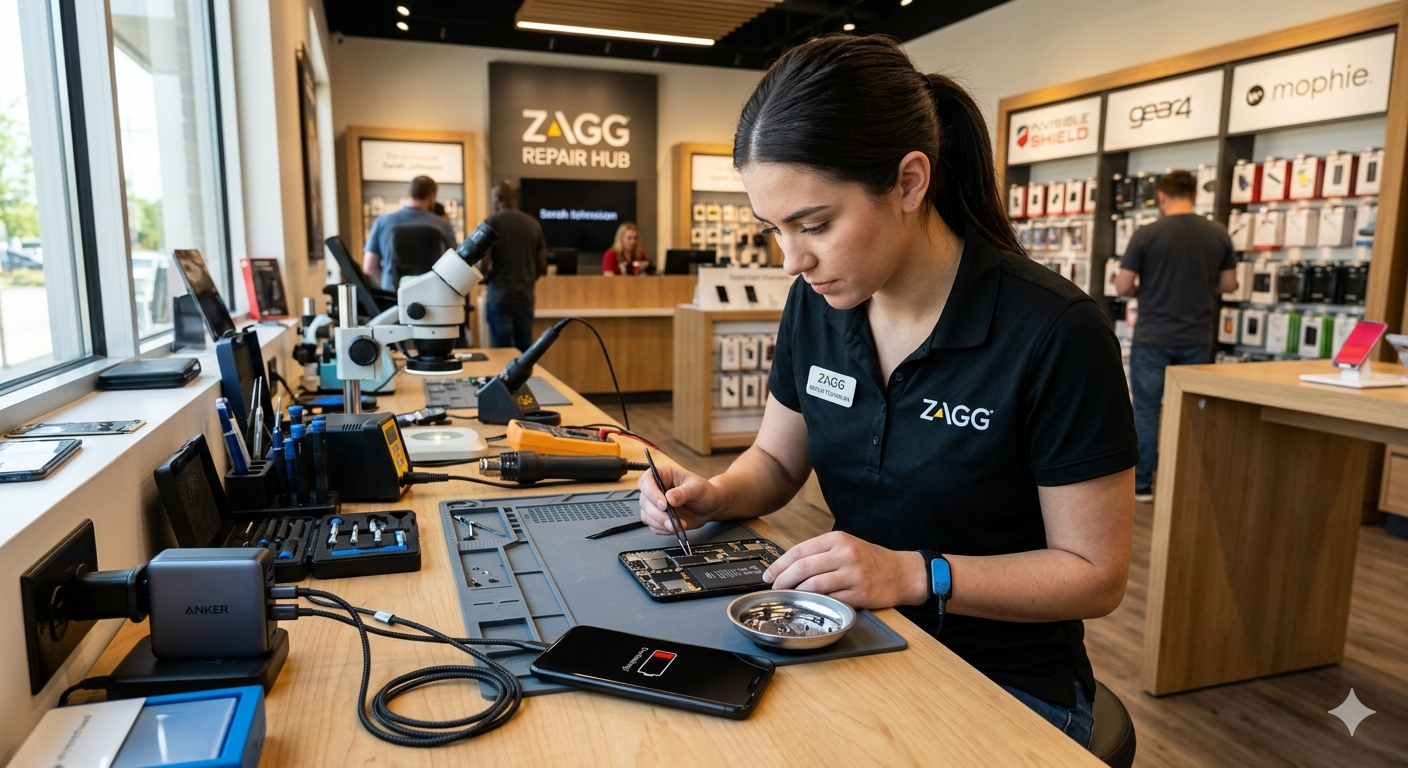
Visit a ZAGG Phone Repair location and a technician can test your battery and device performance.
5. Too Many Photos and Videos
Modern phones store thousands of photos and videos.
Large media libraries can sometimes slow down system performance.
Cleaning up unused files or transferring photos to cloud storage can help free up space and improve speed.
6. Malware or Problematic Apps
Occasionally, poorly designed or malicious apps may consume excessive system resources.
Symptoms may include:
• sudden slow performance
• unexpected pop-ups
• apps draining battery quickly
Removing suspicious apps can help resolve these issues.
7. Hardware Problems
If your phone remains slow after trying basic fixes, the issue may involve internal components.
Hardware-related performance issues can include:
• battery degradation
• overheating components
• storage hardware failure
Professional diagnostics can help determine whether repair is needed.
How to Improve Phone Performance
If your phone feels slow, try these steps:
• restart the device
• close unused apps
• delete unnecessary files
• update the operating system
• remove unused apps
These simple steps can often restore performance.
Protect Your Phone From Damage
Protecting your phone from drops and physical damage can help prevent hardware issues that affect performance.
Installing a high-quality screen protector can help protect your display from accidental damage.
At ZAGG Phone Repair, technicians install InvisibleShield screen protectors designed to protect your phone while maintaining clear display quality and touch responsiveness.
When to Visit ZAGG Phone Repair
If your phone continues running slowly after basic troubleshooting, professional diagnostics may help identify the cause.
Technicians at ZAGG Phone Repair can diagnose issues such as:
• failing batteries
• overheating problems
• storage or hardware failures
• performance-related system issues
Many performance problems can be resolved with battery replacement or device diagnostics.
If your phone has become frustratingly slow, professional diagnostics may help restore performance.
Visit ZAGG Phone Repair and let our technicians inspect your device.