What To Do If Your Phone Gets Wet (Step-by-Step Guide)
Dropping your phone in water can feel like a disaster.
Whether it falls into a sink, toilet, pool, or gets soaked in the rain, water can quickly damage sensitive electronics inside your device. Many people immediately search for answers to one urgent question:
What should I do if my phone gets wet?
The actions you take in the first few minutes can make a huge difference in whether your phone survives or suffers permanent damage.
In this guide, we’ll walk through exactly what to do if your phone gets wet, what mistakes to avoid, and when it’s time to visit a ZAGG Phone Repair location for professional help.
Step 1: Remove Your Phone From Water Immediately
The first and most important step is simple:
Get the phone out of the water as quickly as possible.
The longer a phone remains submerged, the more time water has to enter internal components such as:
• the battery
• charging port
• display connectors
• motherboard circuits
Even water-resistant phones can still be damaged if submerged long enough.
Once the phone is removed, turn it off immediately to prevent electrical short circuits.
If your phone was exposed to water and won’t power on or charge properly, our technicians at ZAGG Phone Repair can inspect the device and diagnose the damage.
Step 2: Remove Cases and Accessories
After removing your phone from the water, take off anything that may trap moisture.
This includes:
• phone cases
• screen protectors
• SIM card tray
• charging cables
Removing these items allows trapped water to evaporate more quickly.
If possible, gently dry the exterior of the phone with a clean cloth or paper towel.
Step 3: Dry the Phone Carefully
Drying the phone properly is critical.
Use a soft microfiber cloth to remove visible moisture from the outside of the device.
Pay special attention to:
• charging ports
• speaker grills
• headphone jacks
• buttons
Do not shake the phone aggressively, as this may push water deeper inside the device.
Instead, gently blot and wipe away visible moisture.
Step 4: Avoid the “Rice Trick”
One of the most common myths is placing a wet phone in rice.
While rice may absorb some surface moisture, it does not remove water trapped inside internal components.
In some cases, rice dust can even enter the charging port or speaker openings.
A better option is to place the phone in a dry, well-ventilated area and allow it to air dry naturally.
CTA Block (SECOND)
If your phone still isn’t working properly after drying, it may have internal water damage.
Technicians at ZAGG Phone Repair can open the device, clean corrosion, and test the internal components.
Step 5: Do Not Charge the Phone Immediately
It can be tempting to plug in your phone to see if it still works.
However, charging a wet phone can cause short circuits that permanently damage the device.
Wait until the phone has completely dried before attempting to power it on or connect a charger.
If your phone displays a “moisture detected” warning, this means the device senses water inside the charging port.
In this case, allow additional drying time.
Step 6: Watch for Signs of Water Damage
Even after drying your phone, water damage may appear later.
Common warning signs include:
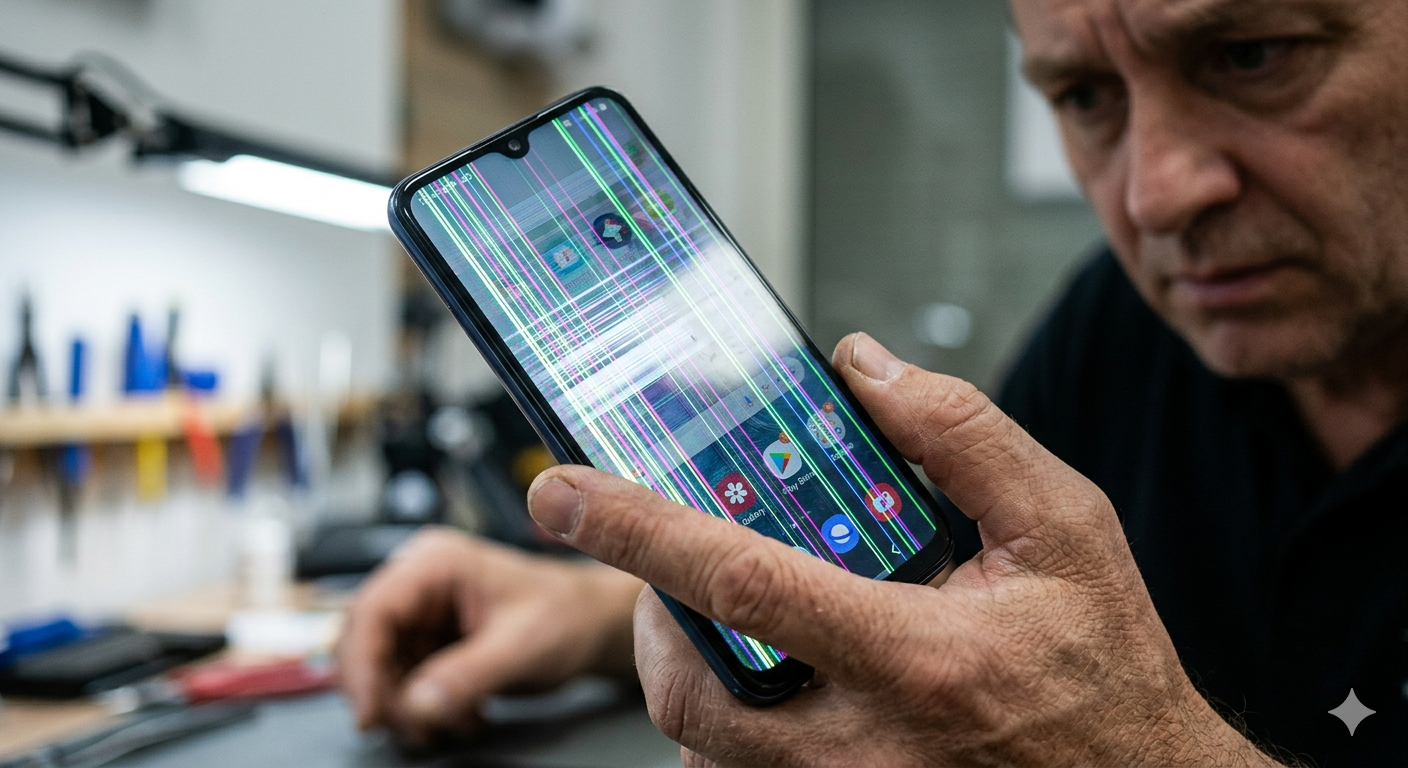
• screen flickering
• distorted audio from speakers
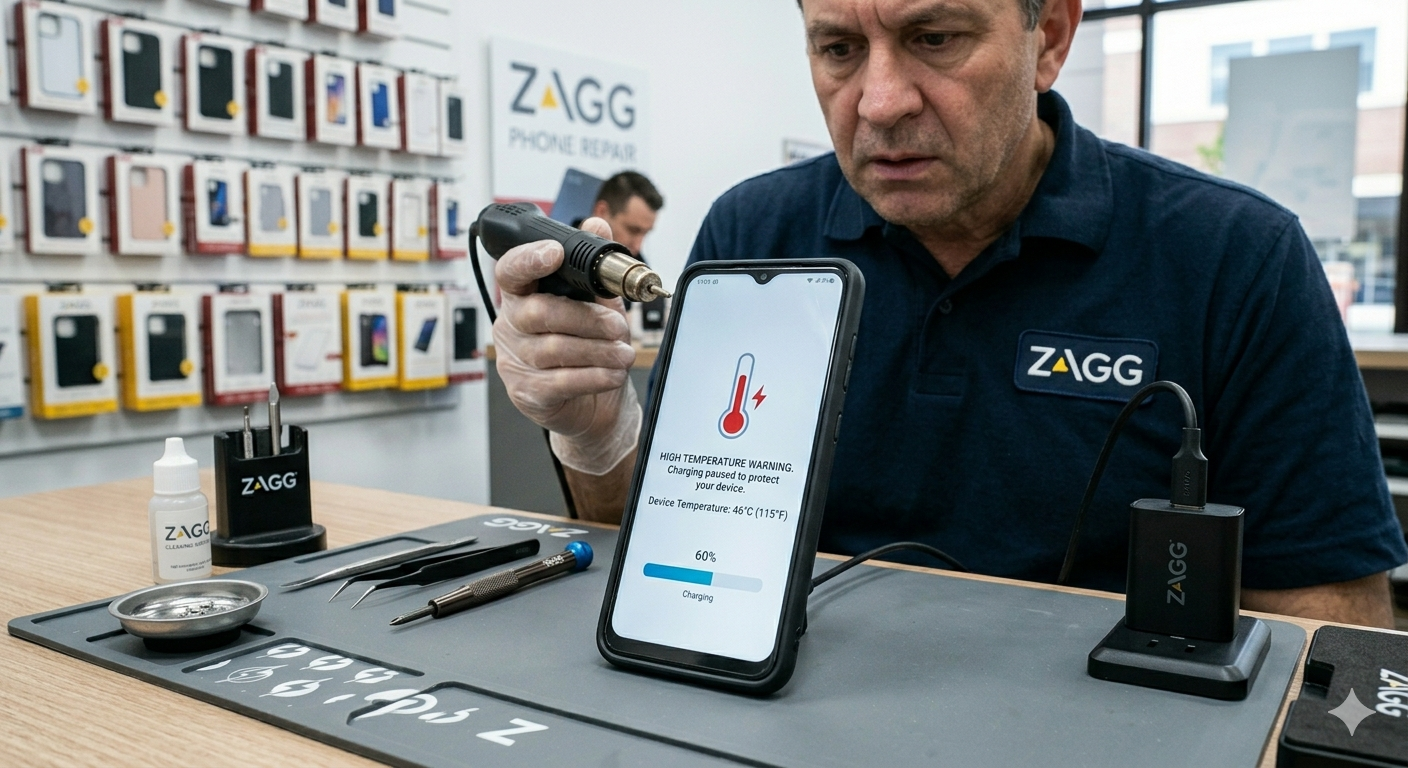
• phone overheating
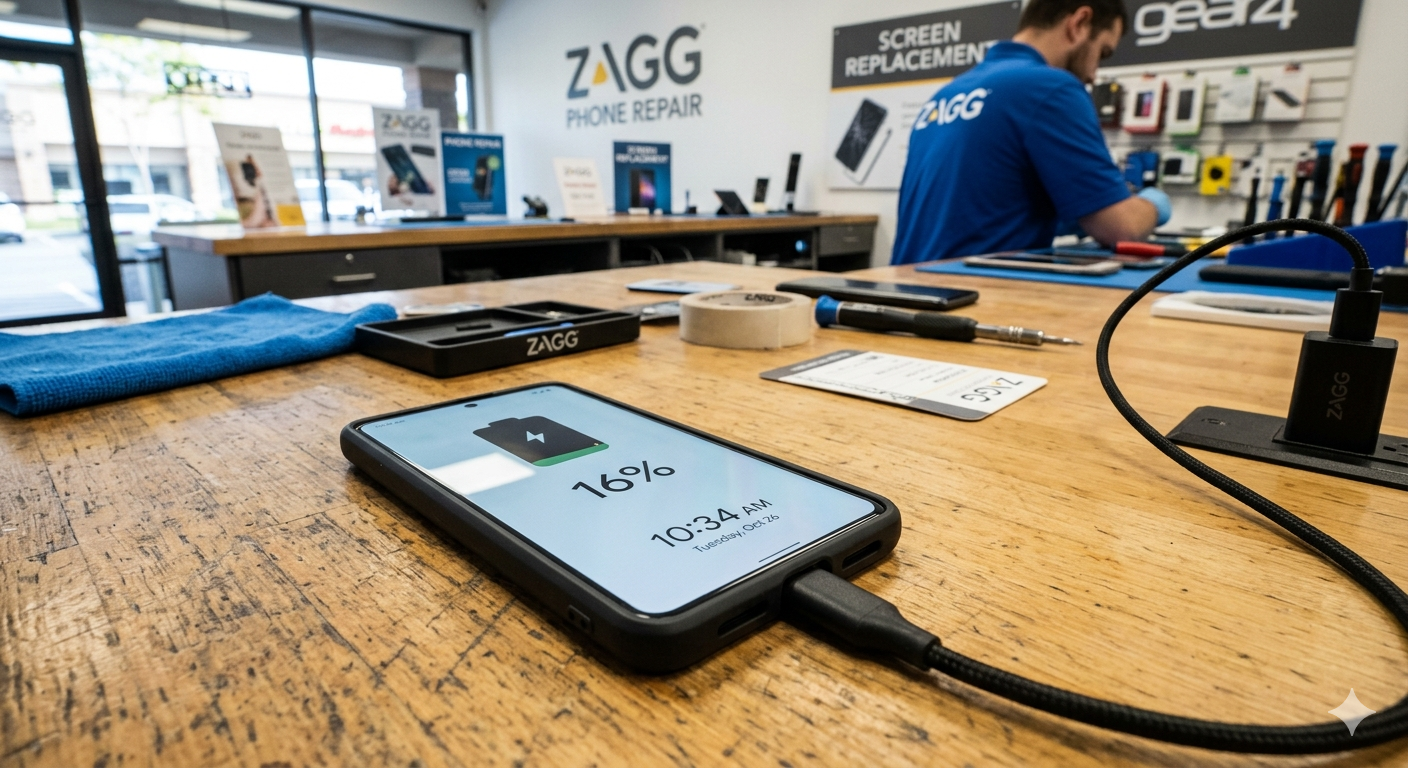
• charging problems
• rapid battery drain
These symptoms can appear hours or even days after exposure to moisture.
If you notice any of these problems, it’s best to have the phone inspected by a technician.
How Professionals Repair Water Damage
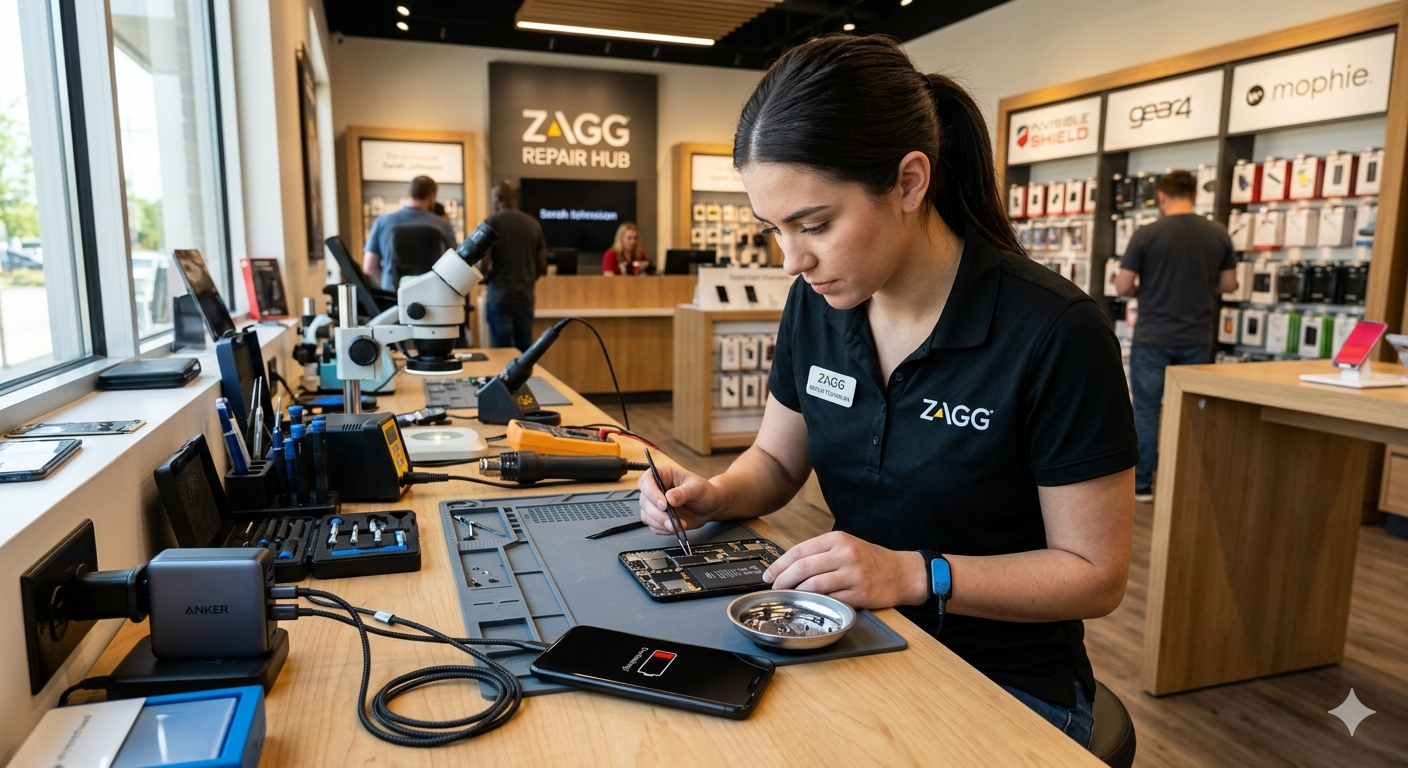
Water damage repairs often involve opening the device and inspecting the internal components.
Technicians may perform steps such as:
• cleaning corrosion from circuit boards
• drying internal components
• replacing damaged batteries
• repairing charging ports
Professional diagnostics can determine whether the phone can be repaired or if replacement parts are needed.
Protect Your Phone From Future Water Damage
Accidents happen, but there are ways to reduce the risk of water damage.
Some helpful tips include:
• avoid placing phones near sinks or pools
• keep phones away from heavy rain
• use protective cases for outdoor activities
• avoid charging near liquids
Protecting your phone from drops is also important.
Installing a high-quality screen protector can help prevent screen cracks when accidents happen.
At ZAGG Phone Repair, we install InvisibleShield screen protectors designed to protect your device while maintaining clear display and touch sensitivity.
InvisibleShield CTA
Protect your phone after repair with a professionally installed InvisibleShield screen protector.
Visit your local ZAGG Phone Repair location for installation and warranty replacement.
When to Visit ZAGG Phone Repair
If your phone was exposed to water and is now experiencing problems, professional inspection may prevent further damage.
Technicians at ZAGG Phone Repair can diagnose issues such as:
• charging failures
• battery damage
• internal corrosion
• display malfunction
Early repair can often prevent more expensive damage later.
Final CTA
Water damage can happen quickly — but professional repair may save your device.
Visit a ZAGG Phone Repair location to have your phone inspected and repaired.