Why Won’t My iPad Charge? 6 Common Causes and Fixes
If your iPad suddenly stops charging, it can quickly become frustrating.
Whether you use your iPad for work, school, or entertainment, a device that won’t charge can disrupt your entire day.
Charging issues are one of the most common problems tablet owners experience.
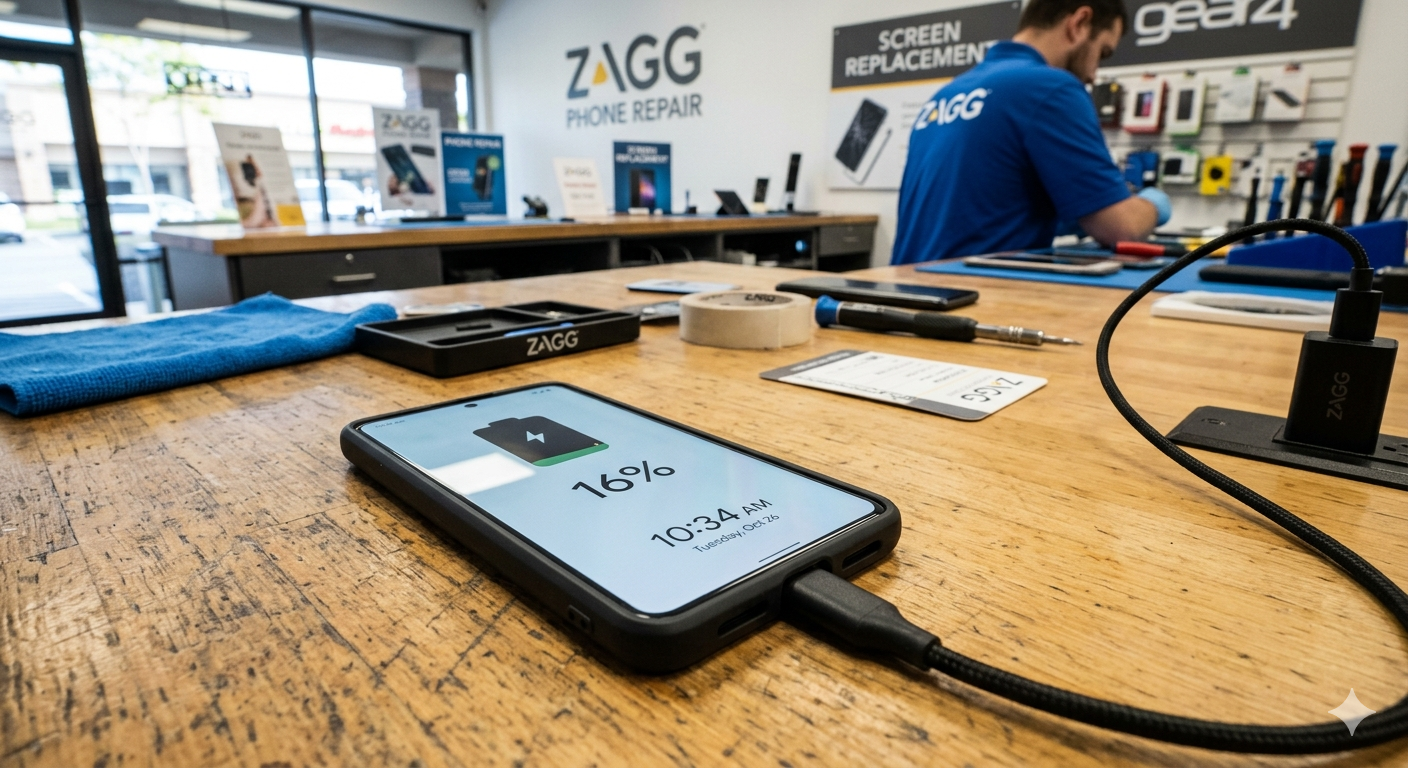
Fortunately, many charging problems are caused by simple issues such as debris in the charging port, faulty charging cables, or battery wear.
In this guide, we’ll explain why your iPad may not be charging, how to troubleshoot the problem safely, and when it may be time to visit a ZAGG Phone Repair location for professional help.
1. Debris in the Charging Port
One of the most common causes of charging problems is debris inside the charging port.
Over time, pocket lint, dust, and small particles can collect inside the port and prevent the charging cable from connecting properly.
Signs of a dirty charging port include:
• the cable feels loose
• charging stops and starts
• the cable does not insert fully
Carefully cleaning the charging port may restore normal charging.
If your iPad still won’t charge after cleaning the port, the charging connector may be damaged.
Technicians at ZAGG Phone Repair can inspect and repair iPad charging ports.
2. Damaged Charging Cable
Charging cables can wear out over time.
Bent connectors, frayed wires, or internal cable damage may prevent the iPad from charging properly.
Before assuming the tablet is damaged, try:
• a different charging cable
• a different power adapter
• another power outlet
Sometimes the cable itself is the issue.
3. Faulty Power Adapter
Charging adapters can also fail.
A damaged adapter may not provide the correct power needed to charge the tablet.
Testing a different adapter may help determine whether the adapter is causing the issue.
4. Software Issues
Occasionally, a software glitch can prevent the iPad from charging normally.
Restarting the device may resolve temporary system errors.
Keeping the device updated with the latest software can also help prevent charging problems.

If your iPad still won’t charge after troubleshooting, professional diagnostics may help identify the issue.
Visit a ZAGG Phone Repair location and have your device inspected.
5. Battery Degradation
Like smartphones, iPad batteries degrade over time.
After several years of use, the battery may lose capacity and struggle to charge properly.
Signs of battery wear include:
• battery draining quickly
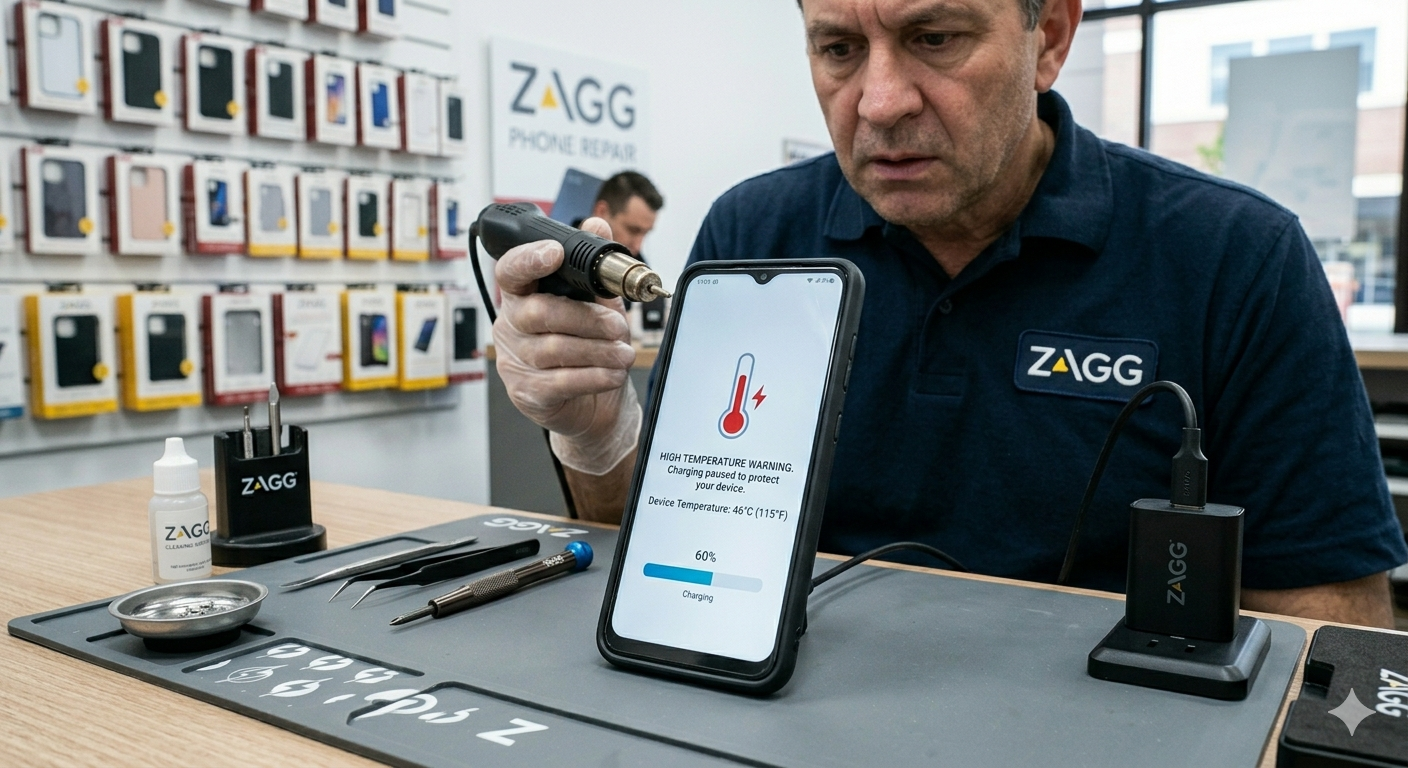
• tablet overheating while charging
• unexpected shutdowns
In many cases, replacing the battery can restore normal performance.
When to Visit ZAGG Phone Repair
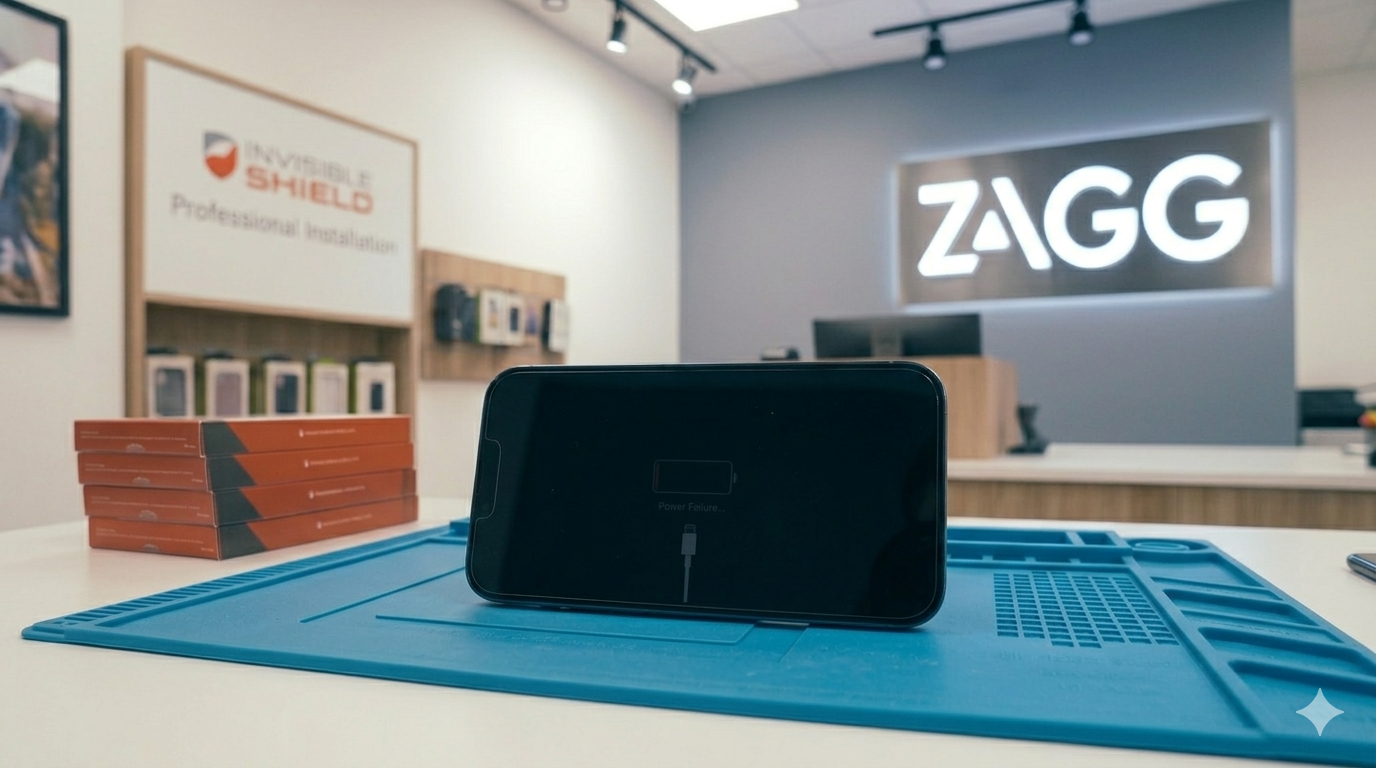
If your iPad refuses to charge or the charging port feels loose, professional repair may be required.
Technicians at ZAGG Phone Repair can diagnose issues such as:
• damaged charging ports
• battery degradation
• internal charging problems
• water damage
Many charging problems can be repaired quickly.
If your iPad won’t charge, professional repair may restore your device quickly.
Visit ZAGG Phone Repair and let our technicians diagnose the issue.