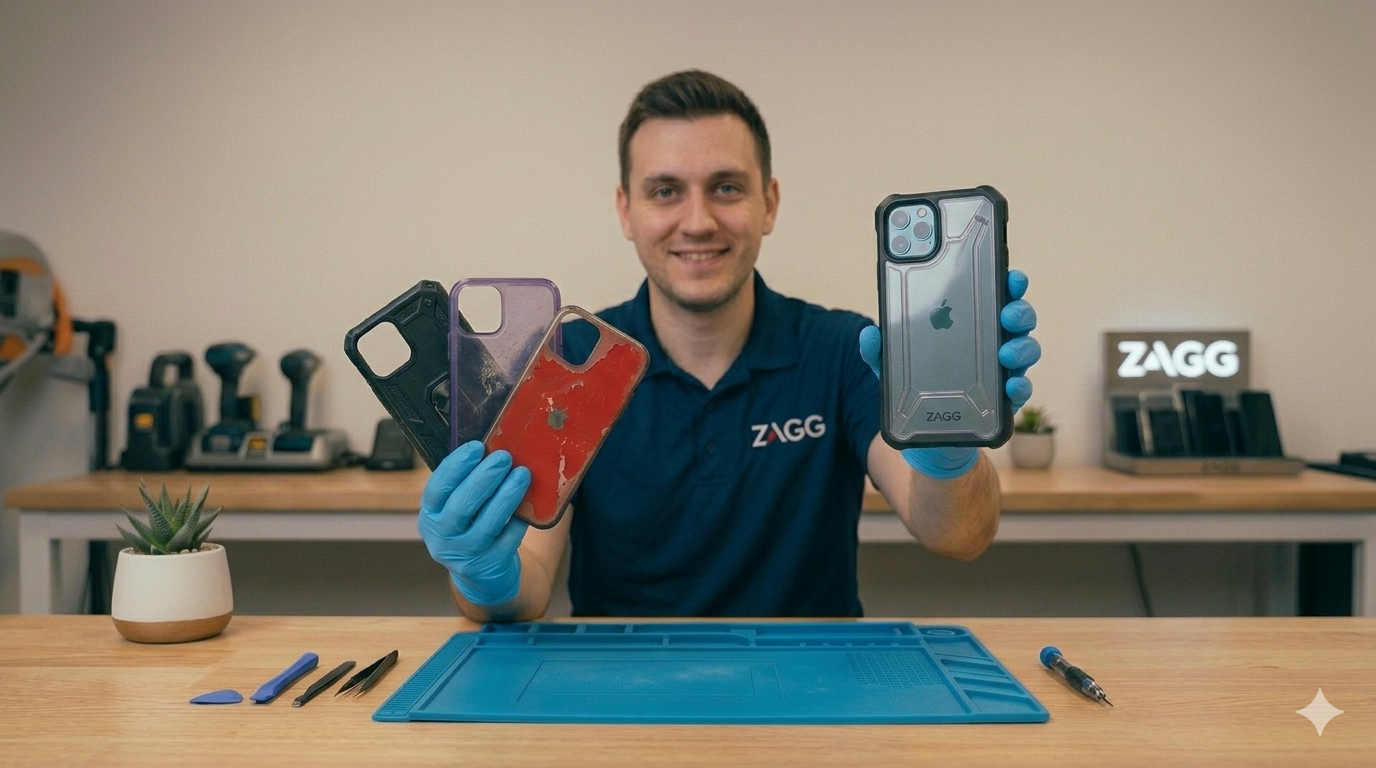
How to Extend the Life of Your Smartphone
Smartphones are one of the most frequently used devices in daily life.
Most people rely on their phones for communication, navigation, work, entertainment, and more. Because of this constant use, it’s important to take steps to keep your device functioning well for as long as possible.
The good news is that a few simple habits can significantly extend the lifespan of your smartphone.
In this guide, we’ll explain how to extend the life of your phone, how to prevent common problems, and when visiting a ZAGG Phone Repair location can help keep your device working properly.
1. Protect Your Phone From Drops
Accidental drops are one of the most common causes of smartphone damage.
Even a single drop can crack the screen or damage internal components.
Using a protective case and screen protector helps reduce the risk of damage when accidents happen.
Screen protectors add an extra layer of protection that absorbs impact before it reaches your phone’s display.
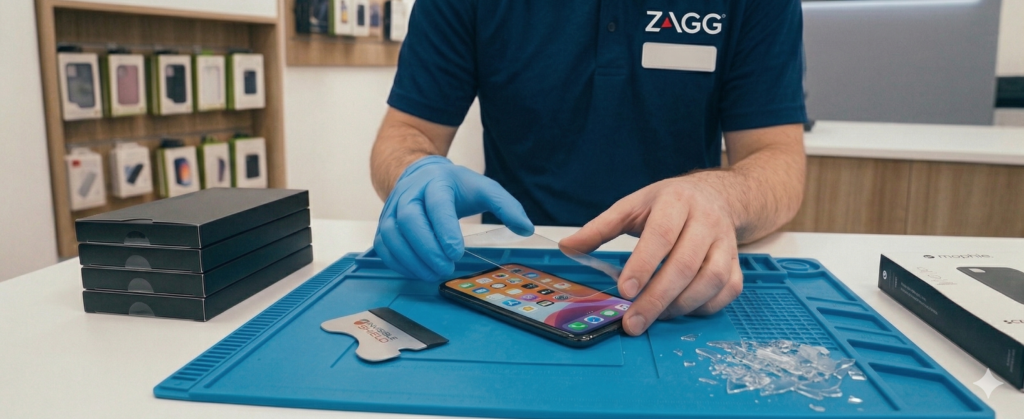
Protect your phone before the next drop happens.
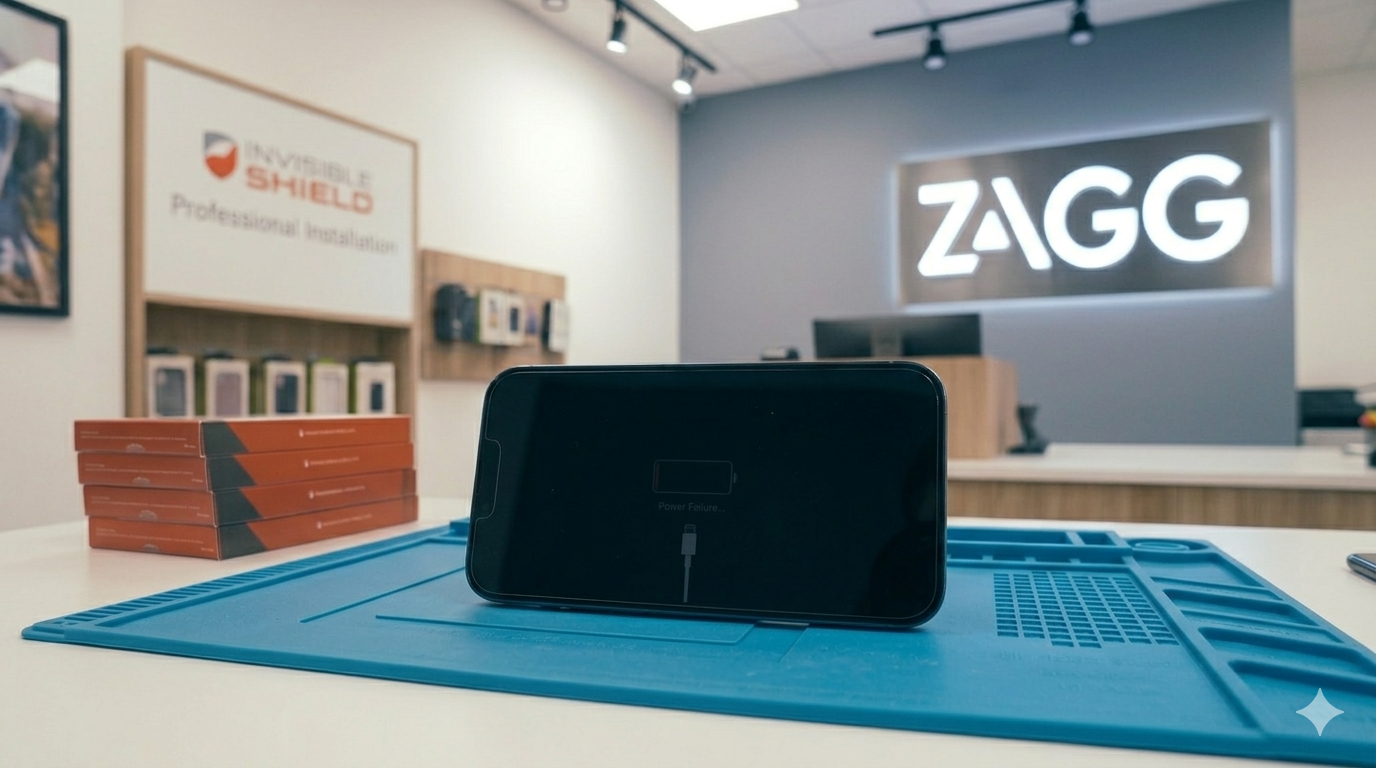
Visit ZAGG Phone Repair to have an InvisibleShield screen protector professionally installed.
2. Keep Your Phone Clean
Phones collect dust, dirt, and lint during daily use.
Cleaning your device regularly helps prevent problems such as:
• debris in the charging port
• blocked speakers
• buildup on the screen
Use a microfiber cloth to gently clean the screen and body of the phone.
Avoid using harsh chemicals or excessive moisture when cleaning electronic devices.
3. Avoid Extreme Temperatures
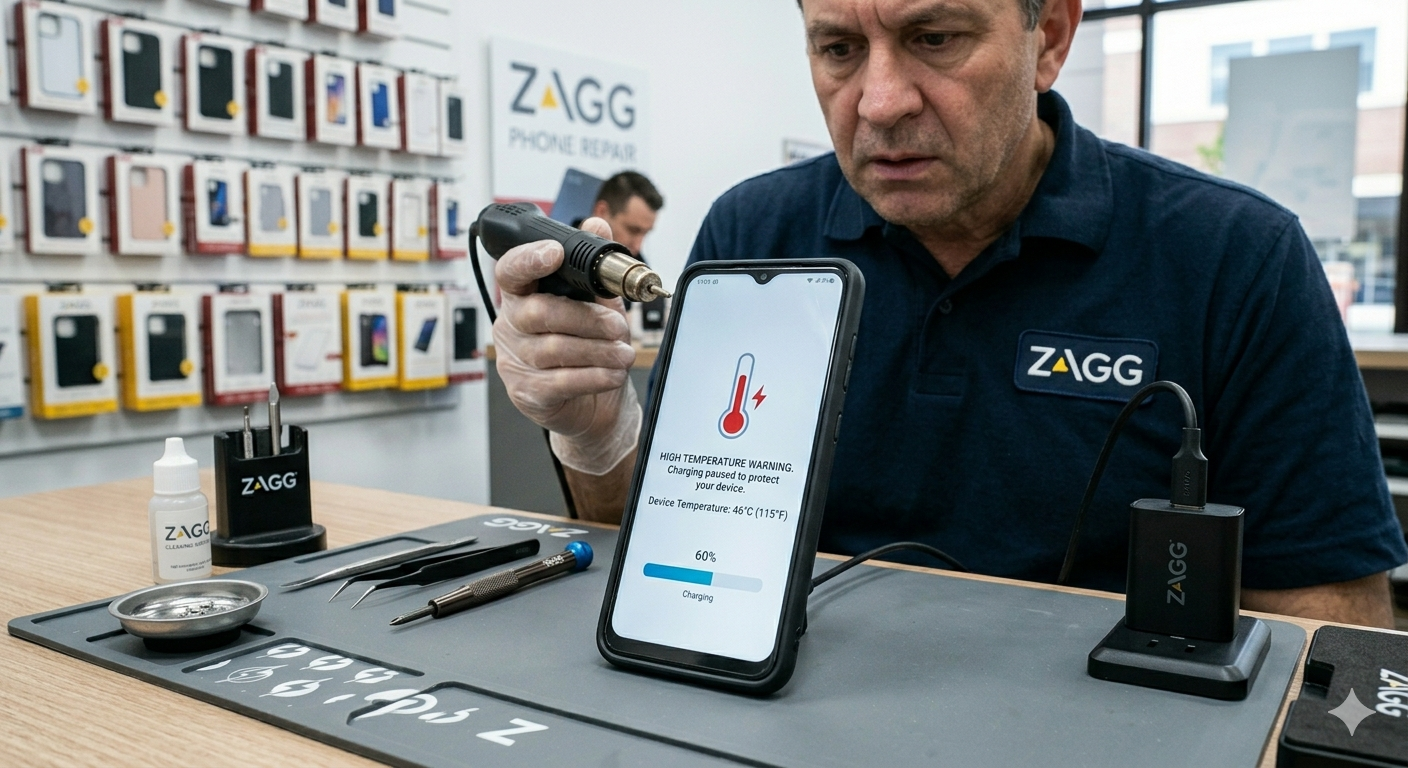
Extreme heat or cold can damage your phone’s battery and internal components.
Leaving a phone in very hot environments — such as inside a parked car — can cause battery degradation and overheating.
To help protect your device:
• keep phones out of direct sunlight
• avoid using the phone in extreme heat
• store the phone in moderate temperatures whenever possible
These steps can help preserve battery health over time.
4. Manage Battery Charging Habits
Battery health plays a major role in how long your phone lasts.
Good charging habits can slow battery degradation.
Helpful tips include:
• avoid letting the battery reach 0% frequently
• unplug the charger once the phone reaches full charge
• use certified charging accessories
Over time, batteries naturally wear out, but proper charging habits can extend their lifespan.
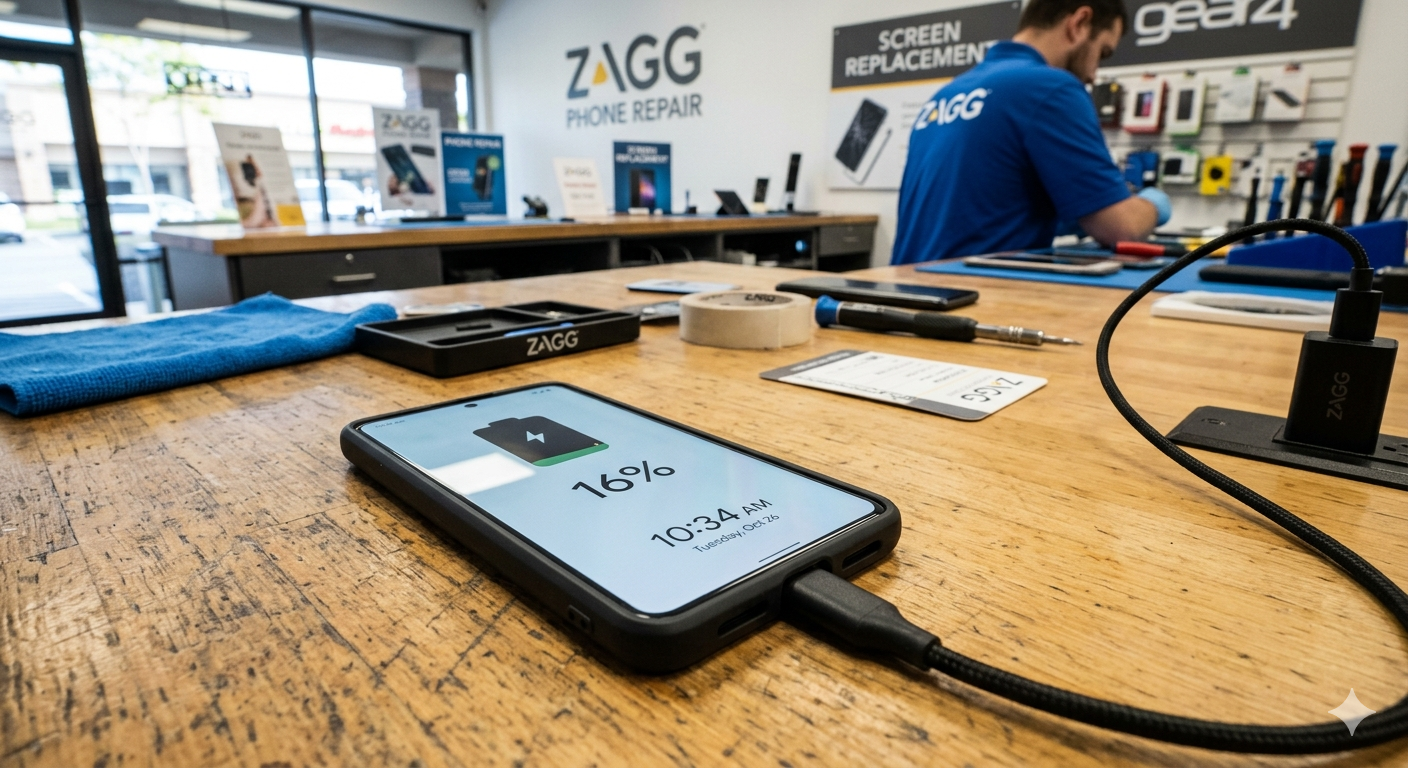
If your battery drains quickly or your phone shuts off unexpectedly, the battery may need replacement.
Visit a ZAGG Phone Repair location and a technician can test the battery and recommend the best solution.
5. Keep Software Updated
Operating system updates often include important improvements.
Updating your phone regularly can help:
• improve performance
• fix bugs
• enhance security
• extend device stability
Keeping your phone’s software up to date helps maintain optimal performance.
6. Free Up Storage Space
Phones that run out of storage space may slow down over time.
Deleting unused apps, photos, and videos can help improve performance and prevent system slowdowns.
Using cloud storage or external backups can also help manage large files.
7. Repair Problems Early
Small problems with smartphones can sometimes grow worse if ignored.
For example:
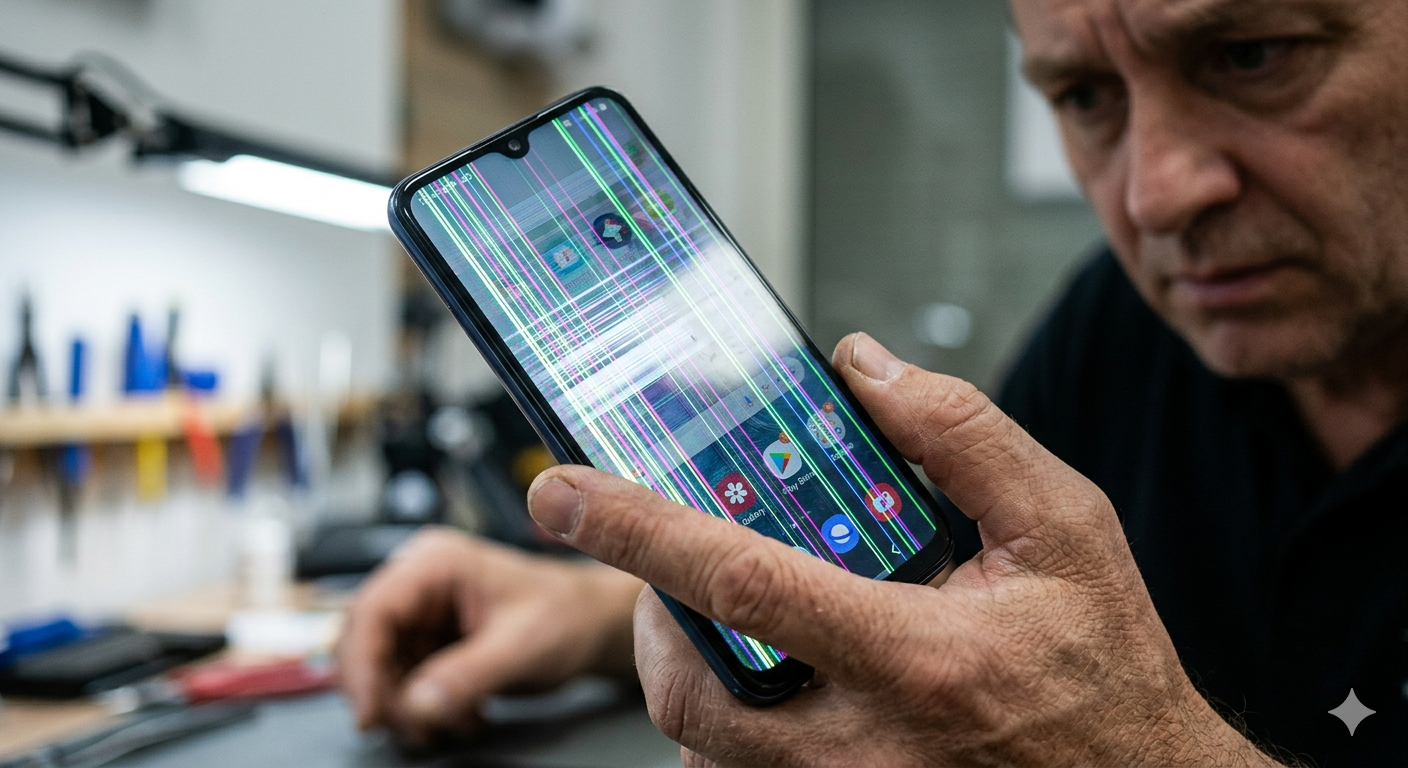
• cracked screens may spread
• worn batteries may overheat
• charging port damage may worsen
Addressing these issues early can help extend the life of your device.
Professional repair can often restore your phone and prevent further damage.
When to Visit ZAGG Phone Repair
If your phone is experiencing issues such as battery problems, charging failures, or screen damage, professional repair may help restore your device.
Technicians at ZAGG Phone Repair can diagnose issues such as:
• worn batteries
• cracked screens
• charging problems
• performance issues
Many repairs can be completed quickly and help extend the life of your smartphone.
If your phone isn’t performing like it used to, professional repair may help restore it.
Visit ZAGG Phone Repair and let our technicians inspect your device.