Signs Your Phone Needs a Professional Technician
Your phone is one of the most used tools in your daily life, and it keeps you connected and entertained. So when something starts going wrong, it’s tempting to ignore the warning signs or try a quick fix on your own, but some problems go deeper than a simple restart or software update can solve.
Knowing when to hand your device over to a phone repair service can save you time and the frustration of a phone that gets worse instead of better. Here are the key warning signs that your phone needs expert attention.
Your Screen Is Broken
A cracked screen is one of the most obvious signs that something is wrong, but many people put off getting it repaired, as you can often access what you need if the cracking isn’t too severe. However, even a small crack can compromise the internal components beneath the glass over time, so you should get it checked.
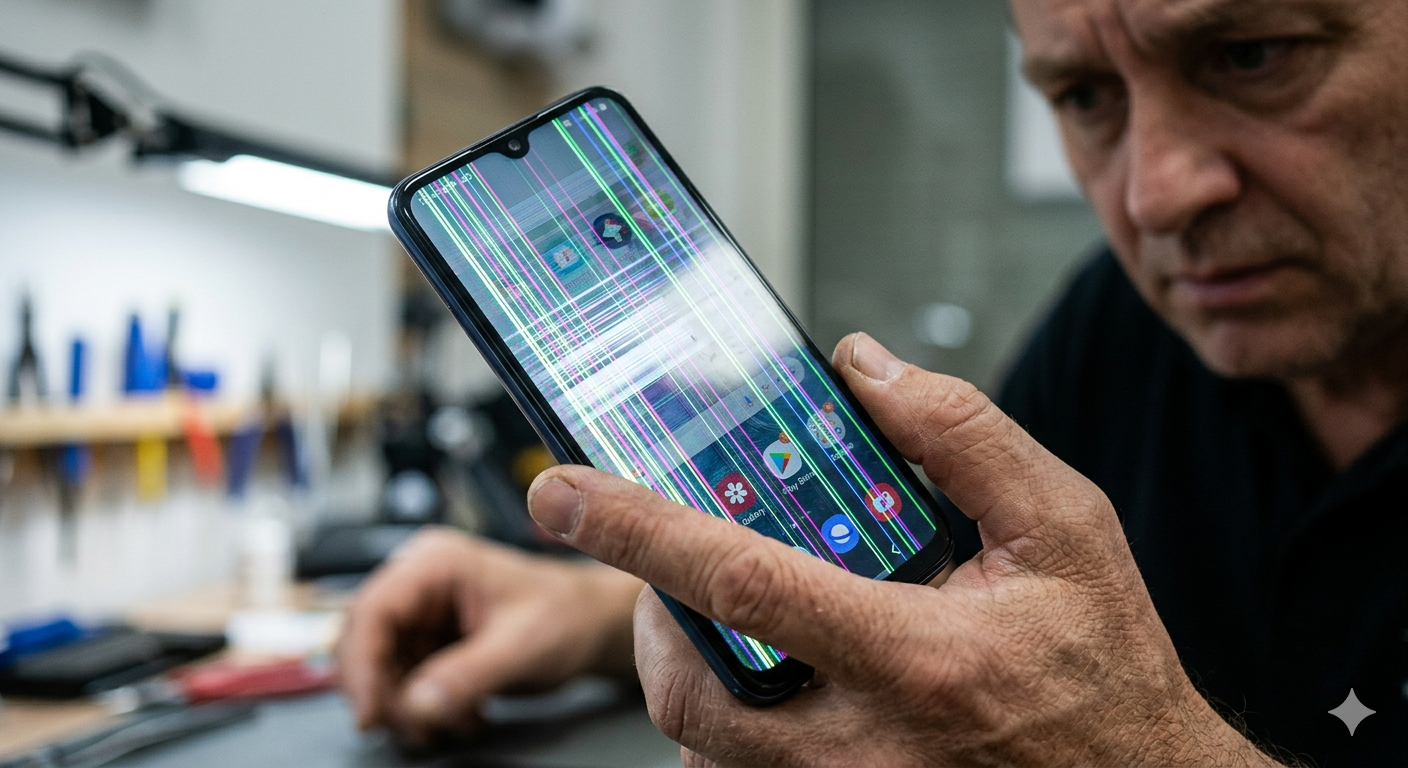
If you notice dark spots spreading across your display or sections of the screen that no longer respond to touch, the damage has gone beyond the surface. At this point, the display panel itself has likely been affected. Continuing to use the phone in this condition can lead to further damage and a more costly repair down the road.
A trained technician can assess whether a screen replacement will resolve the issue or whether more serious damage to the digitizer or connectors needs to be addressed as well.
Your Battery Drains Faster Than It Used To
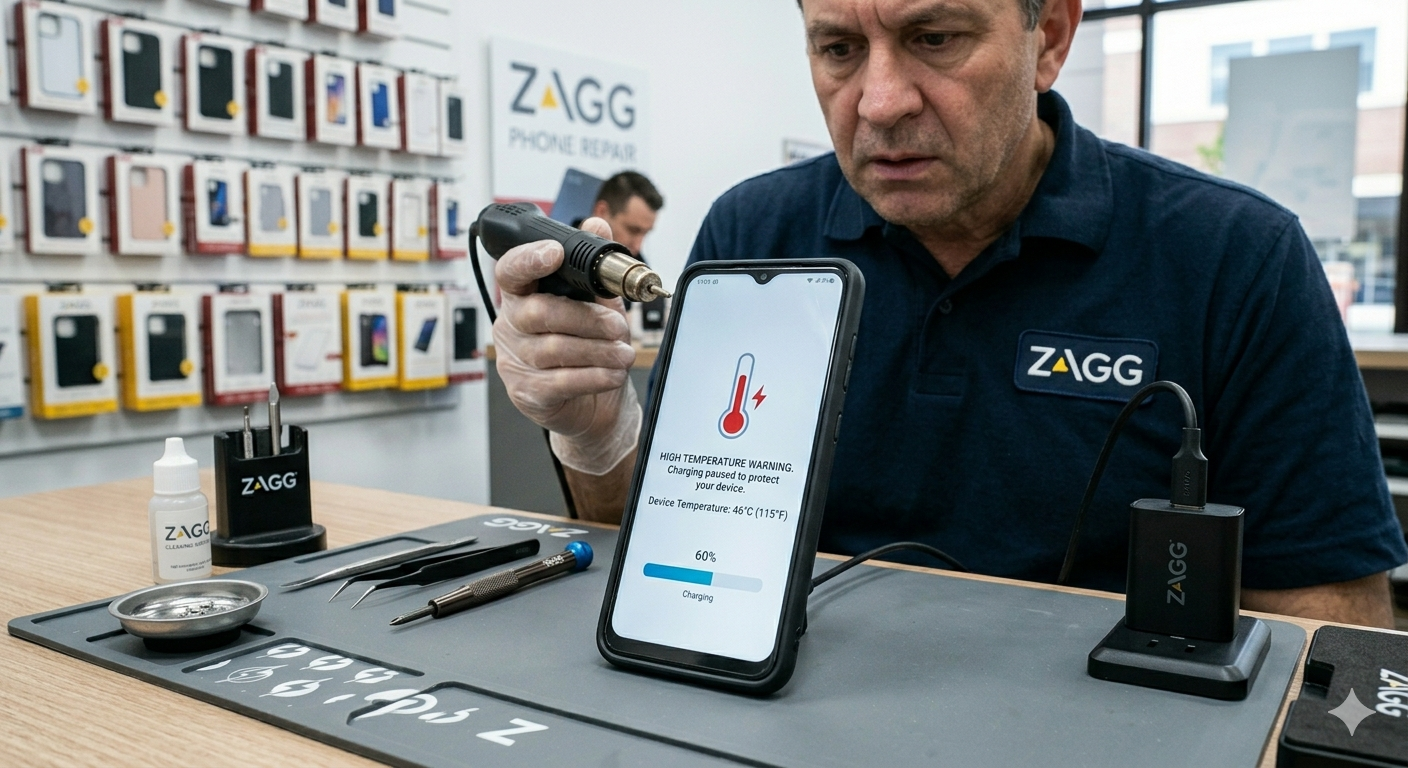
Every battery has a lifespan, and over time, it naturally holds less charge. If your phone has started going from a full charge to dead within just a few hours, there may be a more serious issue at play. In some cases, a swollen or failing battery can cause the back of the phone to bulge or even create heat issues that affect other components or may cause a safety issue. If you notice your phone running unusually hot, not working properly, shutting down unexpectedly, or refusing to charge past a certain point, don’t ignore it.
Battery replacement is one of the most common repairs a technician handles, and it can make a phone feel like new again. Attempting to replace a battery at home without the right tools, however, can damage other components and void any existing warranty.
Your Phone Got Wet
Water and electronics are never a good combination, and even phones marketed as water-resistant have limits.
If your phone took a dip (even briefly) and you notice anything unusual afterward, such as a muffled speaker, a camera lens that looks foggy, sluggish responses, or intermittent charging issues, liquid may have reached the internal components. Corrosion can develop slowly after water exposure and cause problems that appear days or even weeks after the initial incident.
The trick of placing your phone in a bag of rice can help draw the moisture out, but if there’s already been any damage, you’ll need someone to poke around inside the phone. A technician has the proper tools to open the device, inspect for corrosion, and clean or replace components before the damage becomes permanent.
Your Camera Is Blurry or Completely Broken
Phone cameras today are capable of producing impressive results, so when yours suddenly starts producing blurry photos or dark images, something is wrong:
- A blurry camera that doesn’t clear up when you clean the lens may have internal focusing hardware issues.
- A camera app that crashes on launch often points to a deeper software or hardware conflict.
- Parts of the camera that have gone completely black indicate that the module itself may need to be replaced.
These are repairs that require disassembly and careful handling of delicate components. Attempting them without the right experience can easily turn a fixable problem into a permanent one.
Your Phone Won’t Charge
If your phone only charges when you hold the cable at a specific angle or if it charges intermittently and unpredictably, the problem is likely more than just a damaged cable:
- The charging port itself can wear out over time, especially if you plug and unplug your phone many times a day.
- Debris, dust, dirt, and lint can also pack into the port and prevent a proper connection.
- The charging management hardware inside the device can break and cease charging.
A technician can clean the port safely or replace it entirely if needed. This is a repair that’s often quicker and more affordable than people expect, and it saves you the headache of a phone that refuses to charge.
Your Phone Keeps Restarting or Freezing
A phone that restarts on its own or freezes mid-task is showing signs of internal stress. This can stem from software corruption or can point to a hardware issue, such as a failing storage chip or a damaged motherboard.
If you’ve already tried a factory reset and the problem persists, the issue is almost certainly hardware-related. At that point, professional phone repair is the right call. A technician can run diagnostics to identify the root cause and advise you on whether a repair is the best path forward or whether it’s time to consider other options.
Your Speakers or Microphone Sounds Wrong
Muffled audio on the speaking or receiving end of phone calls or a speaker that crackles and distorts are signs that something needs attention.
Sometimes this is caused by debris blocking the speaker grill or microphone opening, and a technician can clean these safely without causing damage. Other times, the speaker or microphone component itself has failed and needs to be replaced.
Either way, you’ll want to visit a phone repair shop to prevent further damage.
Ready to Get Your Phone Back in Shape?
If any of these signs sound familiar, bring your device in for a free diagnostic and let’s figure out exactly what’s going on. Our team is well-versed in all types of cell phone damage, so let us take care of it for you. Contact us today to schedule your repair or stop by for an assessment.
FAQ
Can I just watch a video online and fix my phone myself?
For very minor issues like a cracked screen protector or a clogged charging port, some at-home solutions work fine. But for anything involving the internal components (screens, batteries, cameras, charging ports, or motherboards), DIY repairs carry a real risk of making things worse. Without the right tools and experience, it’s easy to strip screws, damage connectors, clip wires, or break something that wasn’t broken before.
How do I know if my phone is worth repairing?
A good technician will give you an honest assessment. Generally speaking, if the repair cost is significantly less than the cost of a replacement, repair makes sense. A technician can walk you through your options and help you make an informed decision.
What should I do before bringing my phone in for repair?
If your phone is still functioning well enough, back up your data before bringing it in. This protects your photos, contacts, photos, and files in case the device needs to be wiped during the repair process.
How long do most repairs take?
Many common repairs, screen replacements, battery swaps, and charging port fixes can be completed the same day, sometimes within hours. More complex repairs may take longer, depending on parts availability and the nature of the issue.
Is it safe to use a phone with a cracked screen?
Using a phone with a cracked screen temporarily is generally okay, but it comes with risks. Sharp edges can cause cuts, and internal components can be exposed to dust and moisture. It’s best to get it repaired sooner rather than later.