Why Won’t My Phone Charge? 7 Common Causes and Fixes
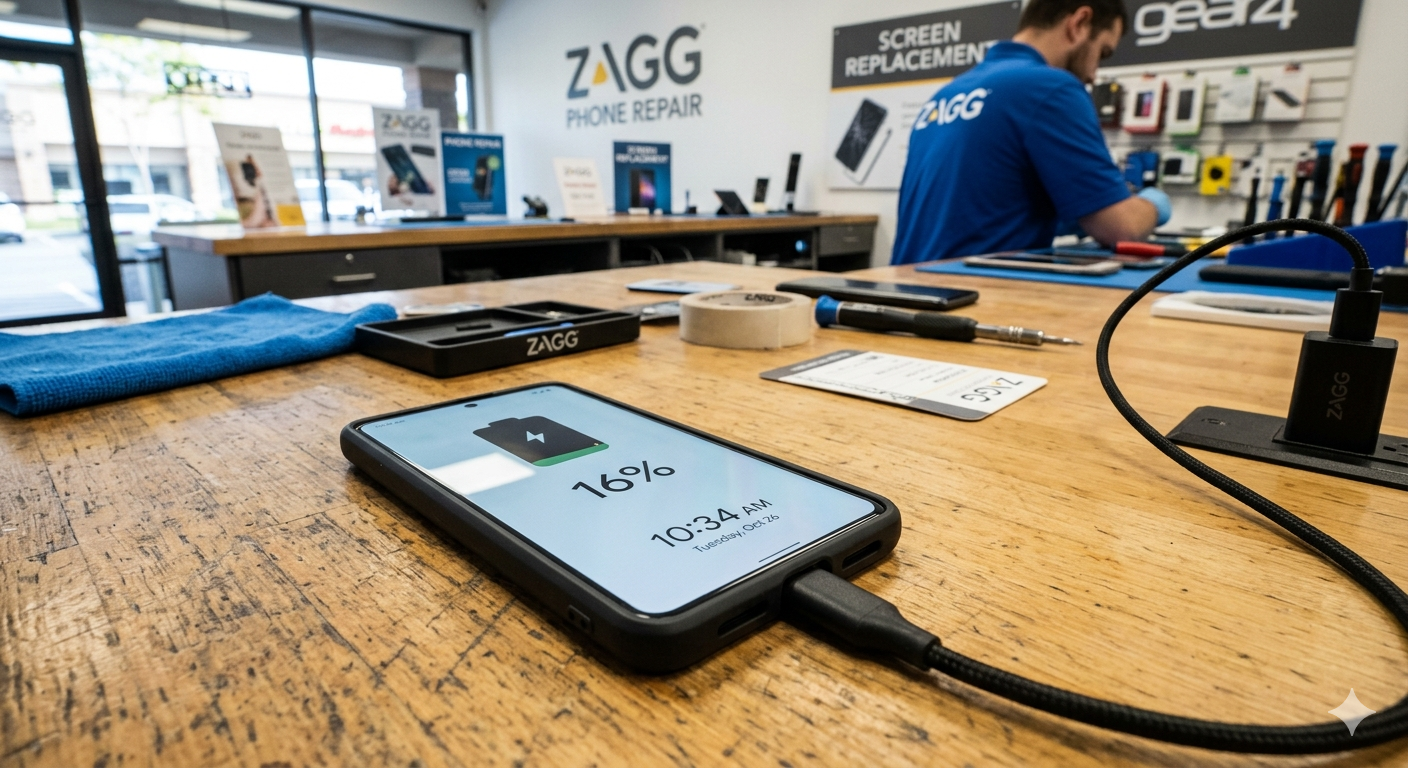
Few things are more frustrating than plugging in your phone and realizing it isn’t charging. Whether you rely on your phone for work, communication, or entertainment, a charging issue can disrupt your entire day.
The good news is that many charging problems have simple causes and solutions. In this guide, we’ll explain the most common reasons your phone may not be charging and what you can do to fix it.
Dirt or Lint in the Charging Port
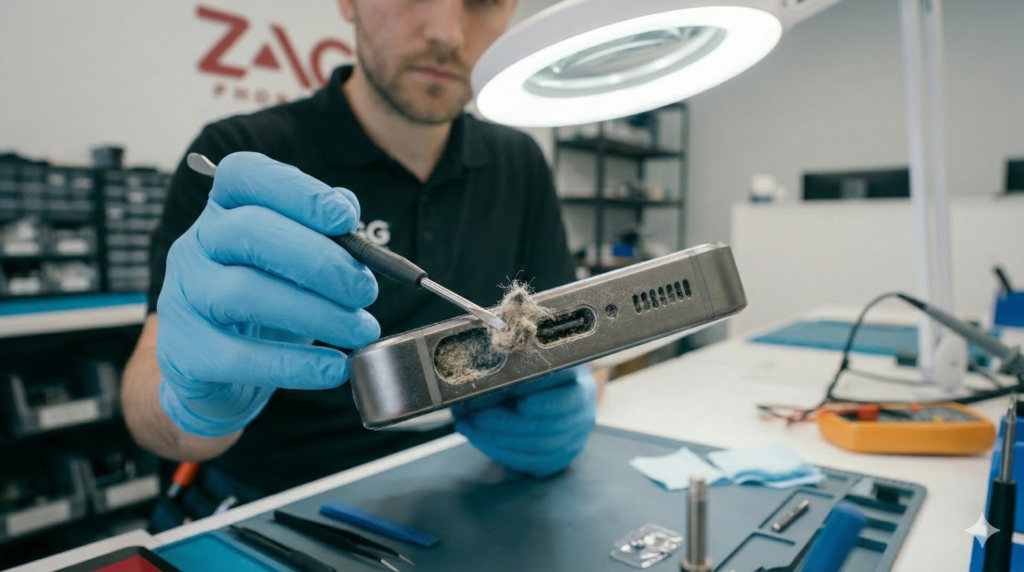
One of the most common reasons a phone stops charging is dust or lint blocking the charging port.
Your phone spends a lot of time in pockets, bags, and dusty environments. Over time, tiny fibers and debris can accumulate inside the charging port and prevent the charging cable from making a solid connection.
Signs your charging port may be dirty include:
- The cable feels loose when plugged in
- Your phone only charges when the cable is positioned a certain way
- Charging starts and stops randomly
You can carefully inspect the charging port using a flashlight. If you see debris, it may be possible to remove it gently using a wooden toothpick or soft brush.
Avoid using metal tools, which can damage the internal connectors.
If debris has become compacted inside the port, a professional cleaning may be required to safely remove it.
2. A Damaged Charging Cable
Charging cables wear out over time, especially near the connector ends where bending occurs frequently.
Even if the outside of the cable looks fine, the wires inside may be damaged.
Common signs of a bad charging cable include:
- Charging only works at certain angles
- The cable feels loose in the charging port
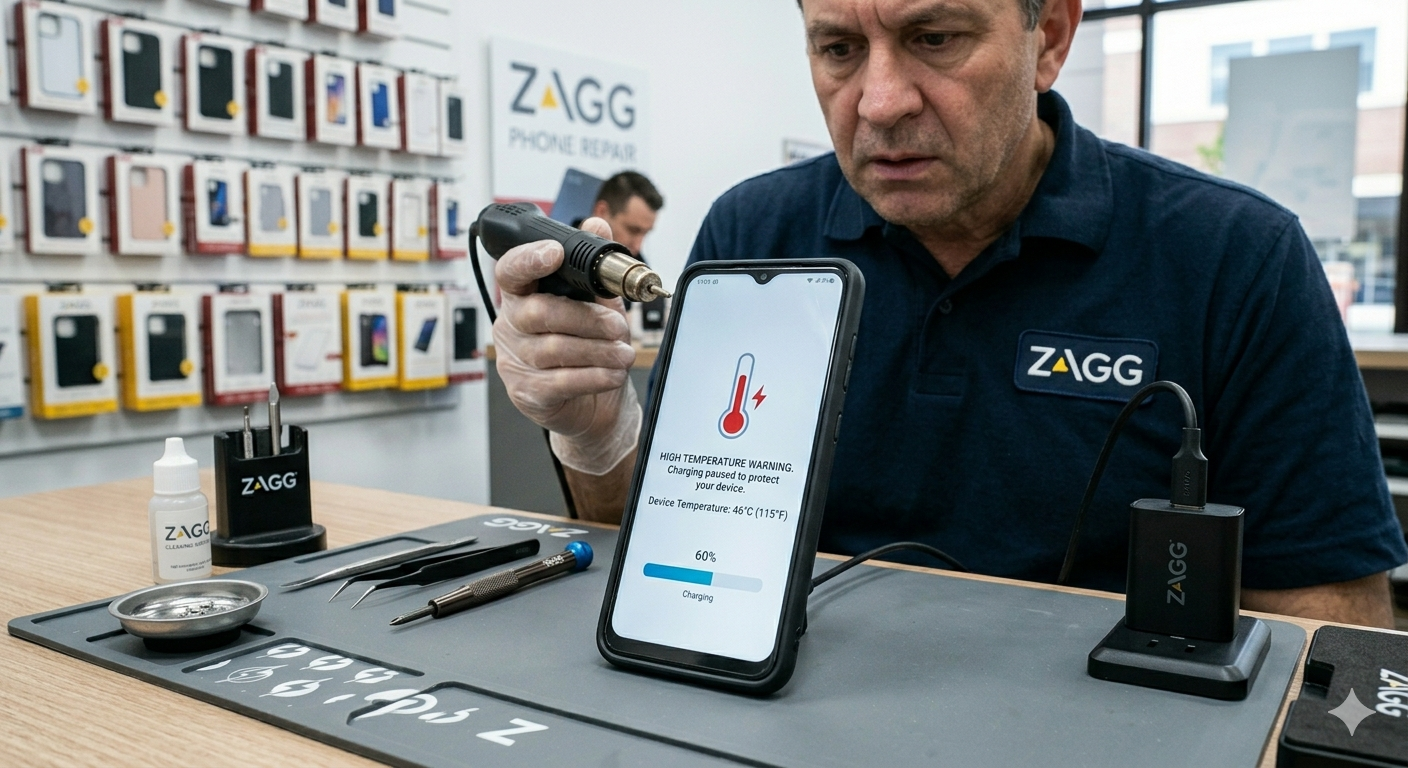
- The cable gets hot while charging
Before assuming your phone is broken, try using a different cable, a different charging adapter, or another wall outlet. Many charging problems are simply caused by a faulty cable.
3. A Faulty Wall Adapter
Sometimes the issue isn’t the phone or cable — it’s the power adapter.
Cheap or damaged charging bricks may fail to deliver the correct voltage required to charge your phone.
Try plugging your cable into:
- a different adapter
- a computer USB port
- another wall outlet
If the phone begins charging normally, the adapter is likely the problem.
4. Software Glitches
Occasionally, charging problems are caused by software bugs rather than hardware issues.
Phones manage battery charging through internal software systems. If something goes wrong during a system update or background process, charging may temporarily stop working.
Try these steps:
- Restart your phone
- Install the latest software update
- Force restart the device
These quick fixes often resolve temporary charging issues.
5. Water or Moisture Damage
If your phone was recently exposed to water, the charging system may temporarily disable itself to prevent electrical damage.
Modern smartphones often detect moisture inside the charging port and block charging until the port is completely dry.
Warning signs of moisture damage include:
- “Moisture detected” message
- Phone refuses to charge
- Corrosion visible inside the port
Water exposure can lead to corrosion on internal components, which may require professional repair.
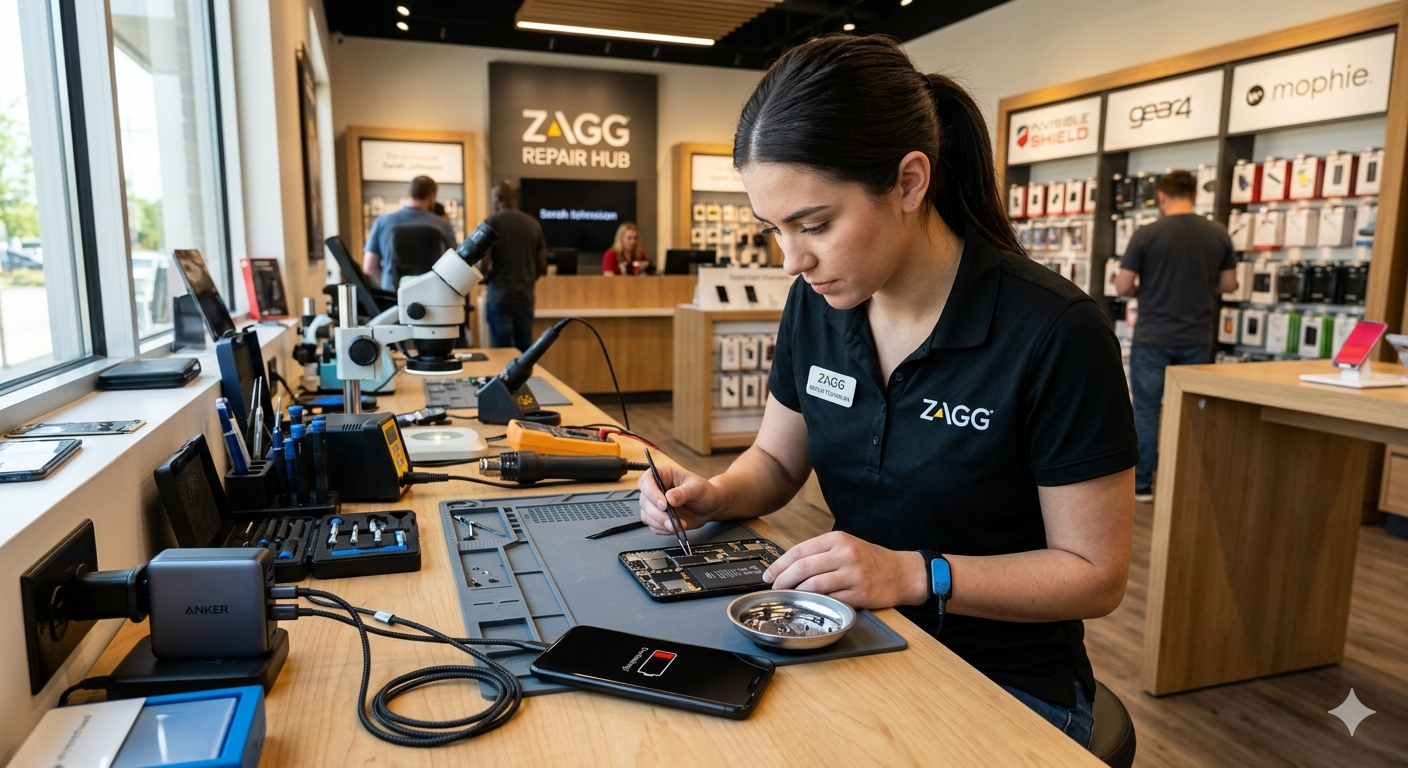
Our technicians at ZAGG Phone Repair can inspect the charging port, battery, and internal components to find the problem quickly.
6. Battery Wear and Tear
Smartphone batteries naturally degrade over time. Most lithium-ion batteries are designed to last around two to three years before their performance begins to decline.
As batteries age, they may struggle to hold a charge or accept power efficiently. This can make it seem like your phone isn’t charging properly when the real issue is reduced battery capacity.
Common signs of battery wear include:
• Your phone battery drains very quickly
• The battery percentage jumps suddenly
• Your phone shuts off even with battery remaining
• Charging takes much longer than it used to
If your phone is several years old and charging performance has declined, replacing the battery may restore normal charging behavior.
Many phones can be serviced with a battery replacement that takes less than an hour.
7. A Damaged Charging Port
If none of the troubleshooting steps above solve the problem, the charging port itself may be damaged.
Charging ports experience constant wear from cables being inserted and removed throughout the day. Over time, the internal pins inside the port can become bent, loose, or broken.
Charging ports can also be damaged by:
• Drops or impact damage
• Moisture exposure
• Debris that has been forced into the port
When the charging port is damaged, the cable may no longer make proper contact with the internal connectors.
In many cases, the charging port can be repaired or replaced by a professional technician.